
Running a WordPress site means dealing with ongoing needs to keep your site running smoothly. Many owners focus on creating content or adding features, yet skip regular maintenance. Over time, skipping WordPress maintenance leads to problems that affect visitors and business results. Without attention, a WordPress website can face slowdowns, security gaps, or unexpected errors like “there has been a critical error on this website WordPress” or “critical error WordPress“.
What Is WordPress Maintenance and Why It Matters
WordPress maintenance includes handling WordPress updates, managing plugins and themes and performing maintenance tasks that protect the site. Basic steps like plugin update checks or clearing old data help avoid issues. Yet for complex sites with custom features, professional maintenance services make a big difference. At AR webcrafts, we offer WordPress maintenance plans and WordPress support plans tailored for businesses needing reliable performance.
The Risks of Skipping Regular WordPress Maintenance
Many site owners learn how to maintain WordPress site the hard way after facing downtime or hacks. Following WordPress maintenance best practices prevents most troubles. This includes WordPress monthly maintenance routines and using WordPress maintenance plans for consistent care. Sites that ignore these steps often show messages like “briefly unavailable for scheduled maintenance” longer than needed or get stuck in issues.
How Professional Plans Support Your Site
WordPress website maintenance covers everything from WordPress core updates to database cleanup. It helps keep your website fast and secure. With the right WordPress monthly maintenance package, owners avoid common pitfalls and focus on growth.
Common Issues with WordPress Sites Without Proper Maintenance
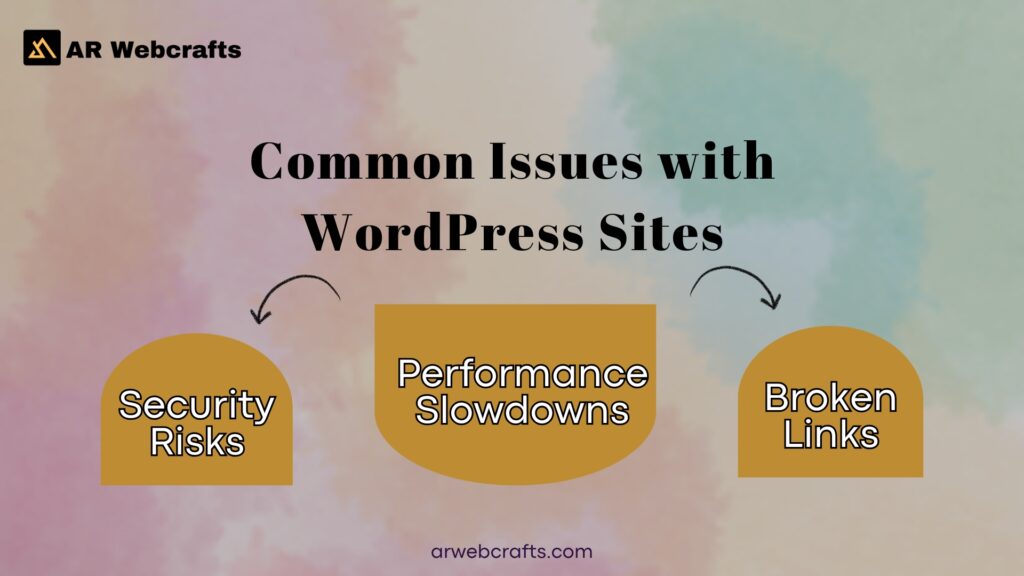
Skipping regular maintenance on a WordPress site opens the door to several problems. Outdated software creates weak spots that affect security, speed and functionality. Many owners notice issues only after visitors complain or sales drop.
Security Risks from Outdated Software
Outdated WordPress core, plugins, or WordPress theme files remain one of the top reasons sites get attacked. Hackers scan for known gaps in older versions and exploit them quickly. In recent reports, many breaches trace back to unpatched plugins and themes. Leaving theme and plugin updates undone allows malware entry or data theft. Sites can face redirects to harmful pages or injected spam.
WordPress security suffers without timely fixes, leading to blacklisting by search engines. Regular checks prevent these risks. Yet manual handling often misses items, especially on busy sites. This leaves the WordPress installation vulnerable and increases chances of serious breaches.
Performance Slowdowns and Loading Delays
A WordPress website without cleanup accumulates extra data that slows page loads. Unoptimized images, bloated WordPress database and excess plugins add weight over time. Visitors notice longer wait times, which hurts experience. Search engines favor faster sites, so delays impact rankings. Heavy files or poor WordPress hosting choices worsen the problem. Many owners add plugins without removing old ones, creating unnecessary load. This leads to sluggish response, especially during traffic spikes. Keeping things lean helps maintain quick performance.
Broken Features and Plugin Conflicts
Mixing incompatible plugins or skipping plugin update steps often causes errors. Features stop working, layouts break, or the site shows unexpected behavior. Conflicts arise when plugins overlap functions or when updates change code interactions. Custom setups face higher risks if not tested properly. These issues frustrate users and can lead to lost trust. Resolving them requires identifying the source and applying fixes carefully.
Solutions from AR Webcrafts WordPress Maintenance Services
At AR webcrafts, we handle WordPress maintenance with a focus on reliability. Our team manages updates, backups and monitoring so sites stay protected and fast. We work with complex setups to avoid common pitfalls.
Core, Theme and Plugin Updates
We perform safe WordPress updates for WordPress core, themes and plugins. This closes security gaps and adds new improvements without breaking features. Testing happens first to catch conflicts. We schedule theme and plugin updates carefully, especially for custom sites.
| Update Type | Frequency Recommendation | Impact on Security | Impact on Performance | Impact on Compatibility |
|---|---|---|---|---|
| WordPress Core Updates | As released (major/minor) | High (fixes vulnerabilities) | Medium (new optimizations) | High (may affect plugins) |
| Plugin Updates | Weekly checks | High (patches known exploits) | Medium (bug fixes, efficiency) | Medium (potential conflicts) |
| Theme Updates | With core/plugin sync | Medium (security patches) | High (faster loading code) | High (layout preservation) |
Backup Management and Recovery Options
Reliable backups form a key part of our WordPress care plan. We set up automated schedules and store copies securely off site. Recovery tests ensure quick restoration if needed. This protects against data loss from errors or attacks. Options include full site or selective restores. We handle the process to minimize downtime.
Security Scans and Malware Removal
Daily scans check for threats across files and database. We remove malware promptly and harden weak spots.Proactive monitoring blocks common attacks. Hardening steps limit exposure.Cleanups restore site integrity fast. Follow up scans confirm full resolution.
Performance Optimization Techniques
We apply caching, image compression and code minification. Database cleanup removes unnecessary data.Resource heavy elements get streamlined. Results show faster loads and better scores.
Uptime Monitoring and Quick Fixes
Constant checks track site availability. Alerts trigger immediate response to issues.We resolve problems before they affect visitors. This supports high reliability.
Custom Support for WooCommerce and LMS Sites
Complex sites with WooCommerce or LMS features receive specialized care. We handle integrations and custom code safely.Updates avoid breaking checkout flows or course functions. Performance tuning suits high traffic needs. Dedicated hours cover ongoing additions or fixes.
Benefits of AR Webcrafts WordPress Maintenance Plans
Picking our WordPress maintenance plans delivers real gains for site owners. Sites stay reliable, perform better and support business goals without constant worry. Over years working with clients, we’ve seen these changes make a noticeable difference in daily operations.
Enhanced Site Speed and User Experience
We apply targeted optimizations that cut load times noticeably. Pages open fast, so visitors browse without frustration and complete actions like purchases or sign ups more often. Mobile traffic flows smoothly since we test across devices. Clean code and reduced bloat keep response times low even during busy periods. Clients report higher engagement after these tweaks, with people spending more time on site. Good speed also lowers bounce rates naturally.
Stronger Protection Against Threats
Our plans include ongoing scans and prompt patching that block common attacks. Updates happen safely, closing known vulnerabilities before they get exploited. Firewalls and malware removal add extra layers. If something slips through, we respond quickly to contain and clean it. This approach has prevented major issues for many sites we manage. Owners sleep better knowing active monitoring watches for threats around the clock.
Better Search Engine Rankings
Fast, stable sites get positive signals from search engines. Consistent uptime means crawlers index pages regularly without errors. High performance scores contribute to stronger positions over time. Reliable hosting ties in with our care, avoiding downtime penalties. Clients often see gradual climbs in rankings after steady maintenance. Quality signals like these build authority steadily.
Time Savings for Business Owners
We take over all routine WordPress maintenance tasks from updates to backups. This removes the need to watch for releases or troubleshoot conflicts personally. Hours once spent on fixes go back to running the business. No more late night checks after a core update. Owners focus on strategy, marketing, or customer service instead. Many tell us this freedom lets them grow without tech distractions pulling them away.
Scalable Support as Your Site Grows
As traffic or features increase, plans expand without switching providers. Add hours for new developments or deeper optimizations when needed. Support grows alongside site demands. Complex WooCommerce or LMS setups get the attention they require at every stage. Retainers adjust monthly, fitting budget and workload changes. This flexibility has helped clients scale smoothly over years.
Client Reviews on Our WordPress Maintenance Service
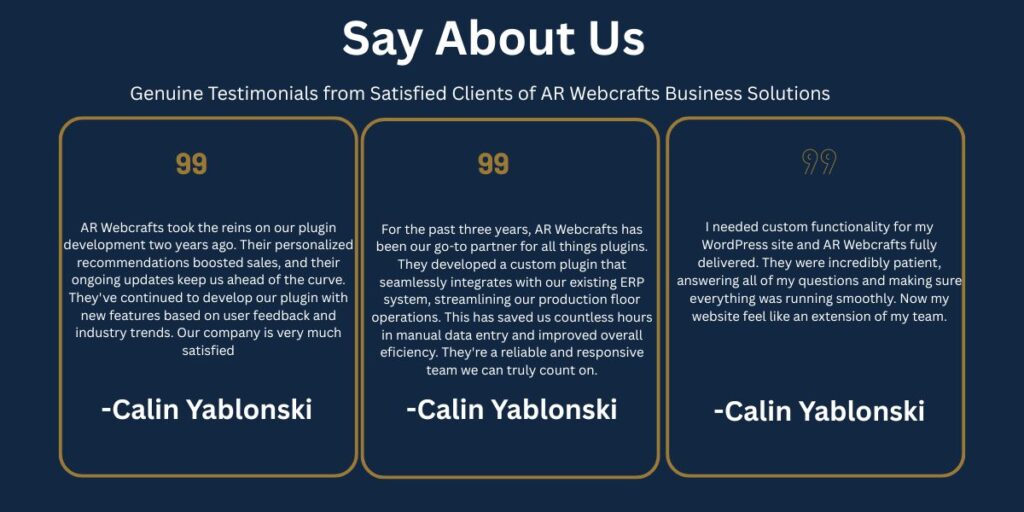
Clients share their experiences with our WordPress maintenance service. Feedback highlights reliable results across different site types.
Feedback from E Commerce Brands
E commerce owners note fewer disruptions during peak sales. Updates handle without affecting orders. One brand saw reduced cart issues after regular care. Revenue stayed steady through busy periods.
| Client Type | Outcome Reported | Duration on Plan |
|---|---|---|
| D2C Fashion Store | Zero downtime during holiday sales | 18 months |
| Electronics Shop | Faster checkout after optimizations | 12 months |
| Subscription Box | Secure handling of recurring payments | 24 months |
Experiences from Online Course Platforms
LMS site managers appreciate careful handling of student data. Course access remains uninterrupted. Platforms report smoother enrollments and video delivery.
Results for Custom WordPress Projects
Custom builds benefit from expert code reviews. Features stay functional after updates. Projects maintain performance with growing usage.
Why Select AR Webcrafts for WordPress Website Maintenance
When picking a team for WordPress website maintenance, experience matters a lot. At AR webcrafts, we stand out by connecting clients directly with skilled pros who handle maintaining a WordPress website hands on. This setup avoids layers that slow things down, letting us focus on what keeps sites strong.
Access to Senior Developers Only
Our developers bring years of work in WordPress development and WordPress ecosystem. They tackle maintenance tasks with precision, drawing from real project know how. Clients get direct input on how to maintain WordPress site without junior level trial and error. This access means faster resolutions for issues like critical error WordPress or conflicts in plugins. We prioritize clean fixes that align with your site’s goals. Many appreciate the quick turnaround on complex requests.
In House Team with No Outsourcing
Everything stays within our team, so quality control remains tight. No external handoffs mean consistent handling of WordPress updates and security checks. This builds reliability over time. Clients value the familiarity our team gains with their sites. It leads to proactive suggestions that enhance performance without surprises.
Fixed Quotes and Clear Timelines
We provide upfront pricing based on detailed scopes, avoiding hidden costs. Timelines get set after reviewing your setup, matching realistic delivery. This approach helps plan around scheduled maintenance windows. Feedback shows it reduces stress during updates.
Focus on Custom and Complex Sites
We specialize in sites with unique builds, like those needing deep API integrations or advanced features. Our work ensures custom maintenance mode page setups or tailored tweaks don’t break during care. Handling complex WordPress means we address specific needs, such as WooCommerce flows or LMS modules. This keeps everything aligned and functional.
Ongoing Retainer Packages Tailored to Needs
Retainers offer flexible hours for continuous support, covering WordPress monthly maintenance and beyond. Packages adjust to fit growing demands, including uptime monitoring. We include backup management and quick fixes as standard. Clients often extend retainers after seeing steady improvements in site health.
WordPress Maintenance Checklist for Site Owners
A solid WordPress maintenance checklist acts as a roadmap for site maintenance. It breaks down actions by time frames, helping owners stay on top without overwhelm. Start small and build habits for lasting results.
Daily Tasks for Basic Upkeep
Check for unusual activity in the WordPress dashboard or dashboard. Monitor traffic spikes that might signal issues. Clear cache if needed to keep your site responsive. Scan for broken links quickly. Review recent comments to catch spam early. These steps prevent small problems from growing.
| Task | Description |
|---|---|
| Monitor Uptime | Use tools to alert on downtime |
| Check Security Logs | Look for suspicious login attempts |
| Backup Recent Changes | Save daily edits or additions |
| Review Site Speed | Test loading times on key pages |
Weekly Actions to Keep Things Running
Update minor plugins and check compatibility. Run a basic security scan to spot vulnerabilities. Optimize images added during the week. Test forms and links for functionality. This routine supports performing at its best overall.
Monthly Reviews for Long Term Health
Deep clean the WordPress database by removing old revisions. Audit plugins and themes for unused items. Update WordPress core if a new version drops. Review analytics for patterns. Adjust settings in WordPress settings for better flow. These actions strengthen the foundation.
Quarterly and Yearly Steps
Change passwords across accounts quarterly. Audit user roles for access control. Yearly, evaluate WordPress hosting and migrate if needed. Refresh content to align with goals. Test full backups for recovery readiness.
Best WordPress Maintenance Practices
Following WordPress maintenance best practices turns routine care into a strength. Pick tools and habits that fit your site’s scale for effective results.
Choosing Reliable Plugins and Themes
Select from the WordPress plugin directory with high ratings. Avoid bloated options that slow things. Test new additions in staging first. Reliable choices reduce conflicts and support long term stability.
Setting Up a Maintenance Schedule
Plan WordPress monthly maintenance package elements like backups. Set reminders for plugin update checks. Automate where possible for consistency. This schedule prevents oversights and keeps operations smooth.
WordPress Maintenance Mode Without Plugin
Sometimes you need to pause access without extras. Maintenance mode manually offers a quick way for short downtimes.
Manual Code Methods for Temporary Downtime
Add a simple file to root directory as maintenance file. This triggers default maintenance screen. Edit .htaccess for redirects during work. Visitors see a basic maintenance mode message. Remove the file to resume. This method suits quick tweaks.
WordPress Maintenance Mode Stuck Fixes
Sites can get stuck in maintenance mode after interrupted updates. Common signs include persistent maintenance screen.
Steps to Resolve Common Errors
Delete the .maintenance file from server root. This often clears the issue fast. Check for incomplete WordPress updates and finish them. If stuck, access via FTP to remove temporary files. Restart services if on managed WP hosting. These fixes restore access quickly.
WordPress Maintenance Mode Template Customization
The standard page can get a personal touch. Customize to inform visitors better during use maintenance mode.
Simple Ways to Edit the Default Page
Create a maintenance.php in theme folder. Add your message and styling. This overrides WordPress maintenance mode page. Include contact info or expected return time. Test to confirm display.
WordPress Maintenance Mode Disable Process
Ending downtime should be straightforward. Follow basic steps to lift restrictions.
Quick Removal Techniques
Remove any added code or files triggering maintenance mode in WordPress. Clear cache to reflect changes. Verify by visiting incognito. If using code, comment out the activate WordPress maintenance mode function.
Ready to Secure Your WordPress Site?
Looking for reliable WordPress maintenance without the hassle? Our experts at AR Webcrafts provide tailored maintenance plans designed to keep your website secure, fast, and running smoothly at all times.
Call Us: +1 (307) 278-4862
Email: [email protected]
Visit Us:
1443 E 2nd St,
Casper, WY 82601
WhatsApp Support: +1 (307) 278-4862
Book a Free Website Review Today
FAQ’s
What is WordPress maintenance?
WordPress maintenance covers regular wordpress maintenance tasks like updates, backups and security checks. It forms a part of wordpress maintenance to keep sites running smoothly. From years handling client sites, skipping these leads to issues fast.
What is WordPress maintenance mode?
WordPress maintenance mode shows a maintenance page or message that visitors see during updates. Wp 3aintenance mode hides the live site temporarily. Maintenance mode is useful for avoiding errors while working.
How to enable WordPress maintenance mode?
To enable maintenance mode, install and activate the plugin like a maintenance mode plugin or wp maintenance mode plugin. Some let you enable wordpress maintenance mode easily. You can also put your wordpress website into this state manually with code.
How to disable WordPress maintenance mode?
Deactivate the maintenance plugin or remove the temporary file. This lifts maintenance mode on your wordpress. Clear cache afterward so changes show up right away.
How do I get my WordPress site out of being “stuck” in maintenance mode?
If your site stuck in maintenance, delete the .maintenance file via FTP. Interrupted updates often cause this. I’ve fixed many by checking incomplete processes first.
Does WordPress need maintenance?
Yes, every site needs wordpress maintenance because updates and threats appear constantly. Following wordpress maintenance best practices prevents problems. Maintaining your wordpress site protects performance and security.
How often should I maintain WordPress website?
Perform wordpress monthly maintenance for deeper checks while handling basics weekly. WordPress monthly maintenance package plans help with consistency. Daily quick looks catch issues early on busy sites.
How to do maintenance on WordPress?
Learn how to maintain wordpress site by updating core, themes and plugins regularly. Use backups and scans as key maintenance tasks. Professional wordpress website maintenance services handle complex needs.
Why is WordPress Website Maintenance Important?
WordPress website maintenance stops hacks, slowdowns and errors like critical error wordpress. It supports rankings and trust. Many wordpress agencies stress this for long term reliability.
How Much Does WordPress Website Maintenance Cost?
Costs vary by site complexity and plan type. Basic wordpress support plans start lower while custom wordpress maintenance plans for larger sites run higher. Retainers often provide the best value over time.
