
A custom TutorLMS add-on that lets parents enroll children in courses, monitor progress, check quiz and assignment results, and manage student accounts — all from a dedicated parent dashboard — built by AR Webcrafts.
A K-12 online learning platform running TutorLMS faced a critical gap: parents were paying for their children’s courses but had absolutely no visibility into whether their children were actually learning. There was no parent account system, no progress dashboard for guardians, and no way for a parent to enroll their child without giving the child full account access. The platform was losing credibility with parents who wanted oversight — and losing potential enrollments from families who needed a trusted, accountable learning environment.
Parents paying for their children’s education had no access to course progress, quiz results, or assignment scores — zero visibility
No parent account system existed — parents and students shared the same account type with no role separation
Enrolling a child required the parent to either give their child full WordPress account access or manage everything themselves
The platform had no way for parents to link to their children’s accounts after both had already registered separately
Admin staff were manually linking parent and child accounts on request — a time-consuming process with no scalable system
Corporate training platforms needed a similar structure for managers monitoring employee course progress — the same gap applied
"Parents kept emailing us asking how their kids were doing — we had no answer for them. After this add-on, parents log into their own dashboard and see everything themselves. We went from fielding daily progress enquiries to almost none — and parents are far more engaged and satisfied with the platform."
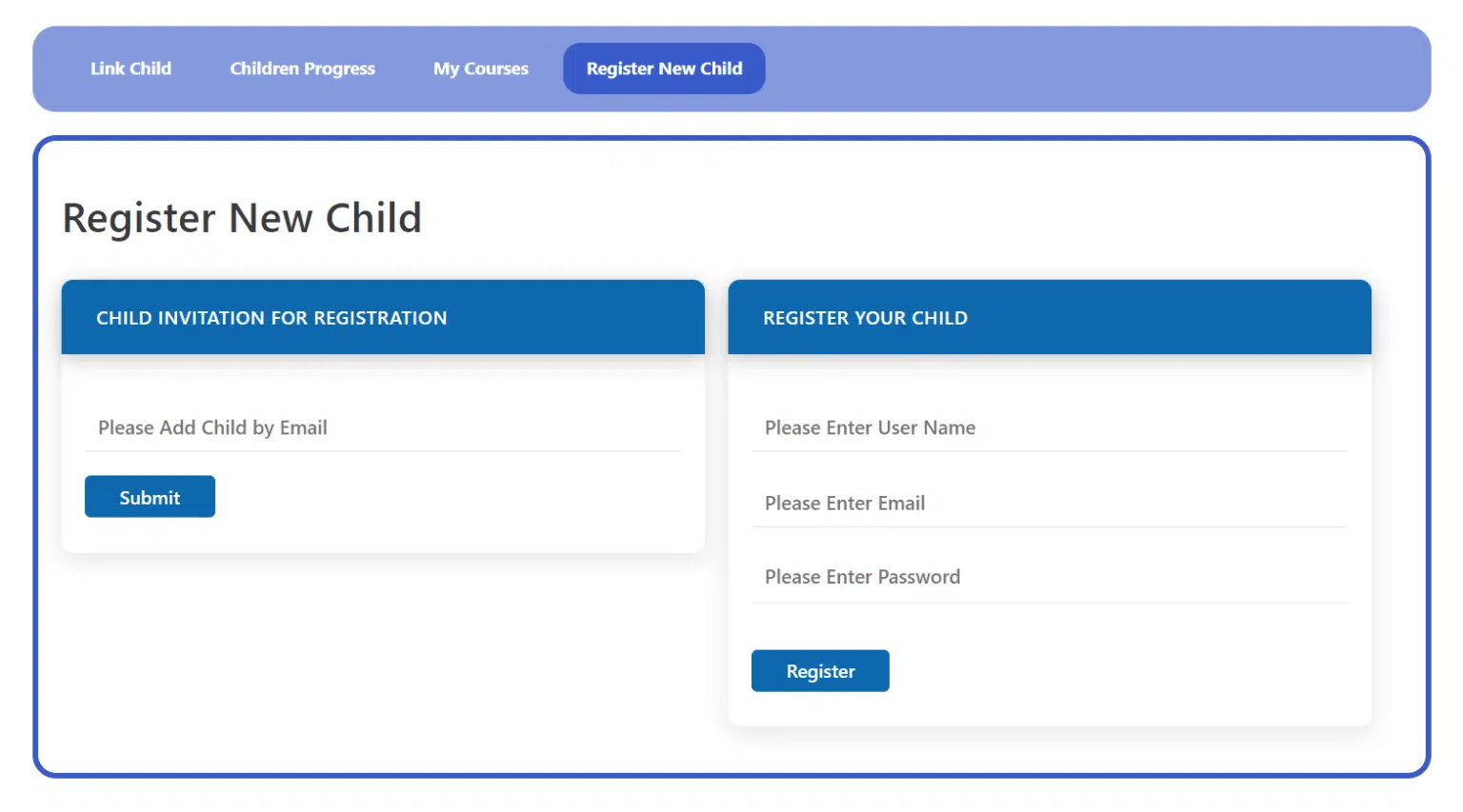
AR Webcrafts built a complete Parent and Student Access system for TutorLMS with three dedicated shortcodes and a full settings panel under the TutorLMS menu. Parents register through a dedicated Parent Registration form — a separate registration page with a built-in Add Child button so parents can register their child’s account at the same time they register themselves. Existing students can be linked to a parent account in two ways: the parent enters the child’s email to send an invitation link, or they directly register the child by entering username, email, and password on the parent dashboard. Once linked, the parent’s Parent Dashboard — accessible directly from the TutorLMS frontend dashboard — shows a complete view of every linked child’s active courses, completed courses, real-time progress, quiz results, and assignment scores. Admins and designated user roles (Tutor Instructor, Editor, Author) can also link and unlink child accounts from the WordPress backend via an Add Child tab — giving the admin team full manual control when needed. Three shortcodes handle the entire frontend experience: parent dashboard, parent registration, and child registration.
The platform’s parent retention and satisfaction scores improved significantly after launch — parents who had previously felt disconnected from their children’s learning were now checking in on progress weekly. Enrollment conversions improved because parents considering the platform could see they would have full oversight, not just a payment receipt. Admin time spent on manual account linking dropped to near zero as parents handled their own registrations and child connections through the frontend forms. The platform expanded its appeal to corporate clients by adapting the same system for manager-employee course monitoring.
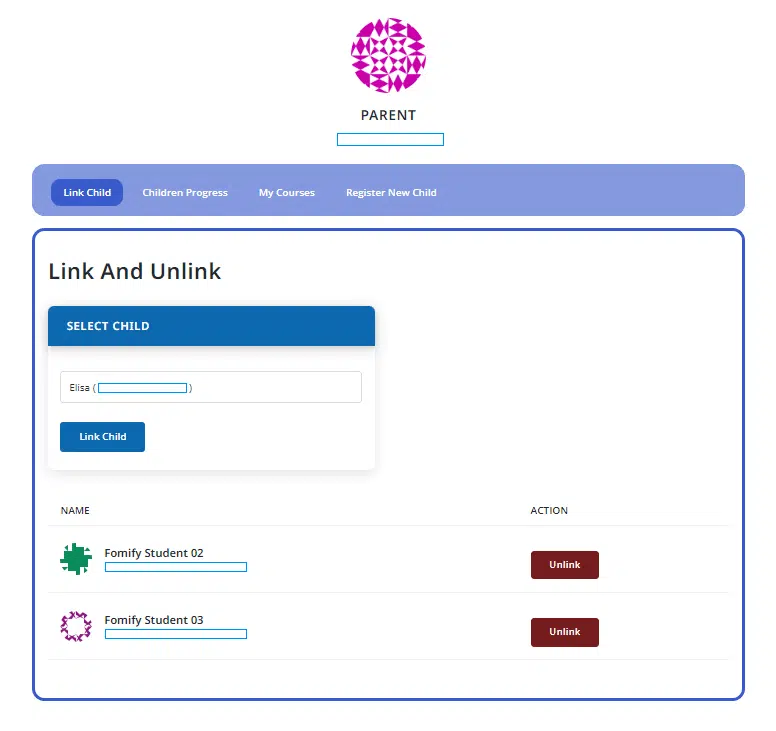

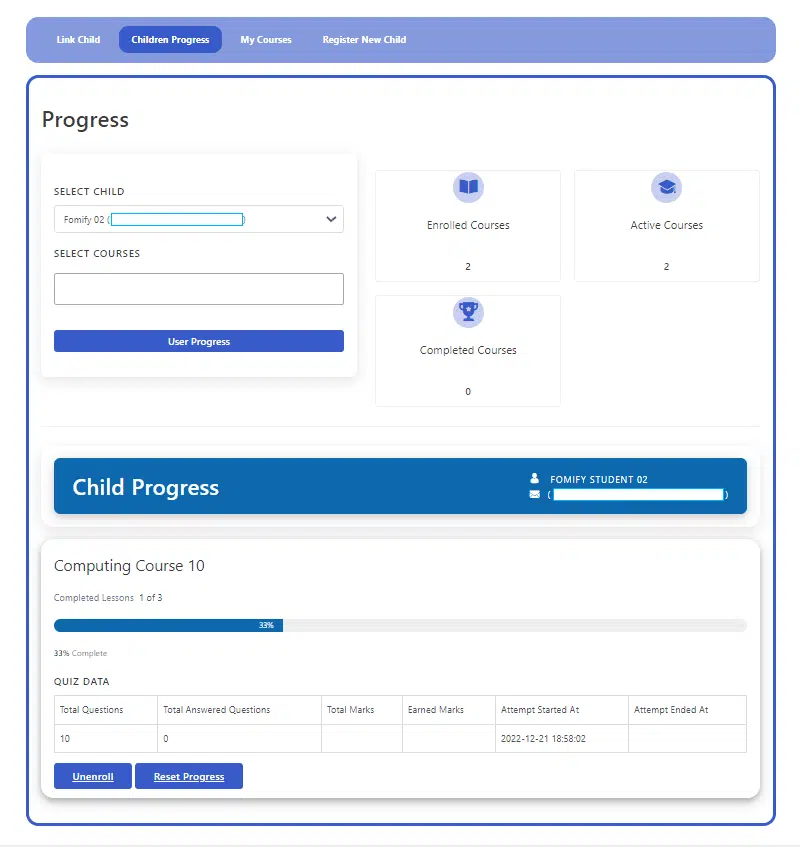
Parents can view full course progress and check quiz/assignment results for their children
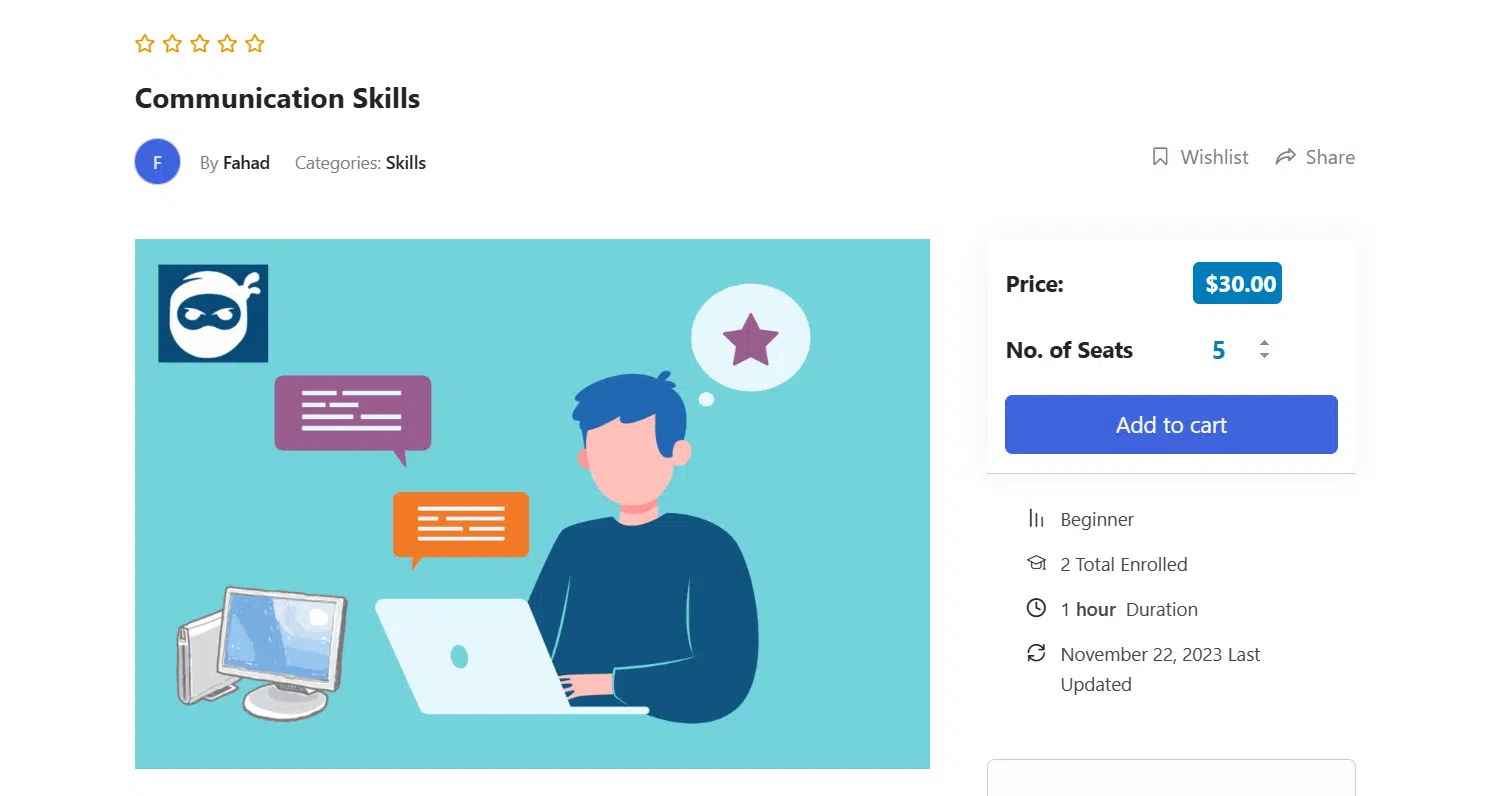
We build custom parent, guardian, and manager oversight systems for TutorLMS that give the right people the right visibility — without compromising student account security.
