
A custom TutorLMS add-on that exports and imports courses, lessons, and topics via XLS/XLSX spreadsheet files — built by AR Webcrafts.
A growing eLearning business running TutorLMS came to us with a painful content management problem. They were building new courses by entering every lesson and topic manually — one by one through the WordPress backend. When they needed to migrate their courses to a new website, there was no export tool — they faced manually recreating hundreds of lessons from scratch. And they had no backup system for their course content at all. They needed a simple, fast, spreadsheet-based solution that any team member could use without technical knowledge.
Building new TutorLMS courses required entering every lesson and topic manually through the WordPress backend — time-consuming and error-prone for large catalogs
Migrating course content to a new site meant recreating everything from scratch — no native TutorLMS export tool existed for this workflow
No backup system for course content — if anything went wrong, all course data could be lost permanently
Course content editing required backend access — non-technical content managers and instructors couldn’t update courses independently
Bulk course creation for platforms launching with 50+ courses simultaneously had no fast solution
"We had 60 courses to build when we launched. Doing it manually through WordPress would have taken our team weeks. With the import template, we got everything into a spreadsheet, ran the import, and had all 60 courses live in a single day. It was genuinely unbelievable."
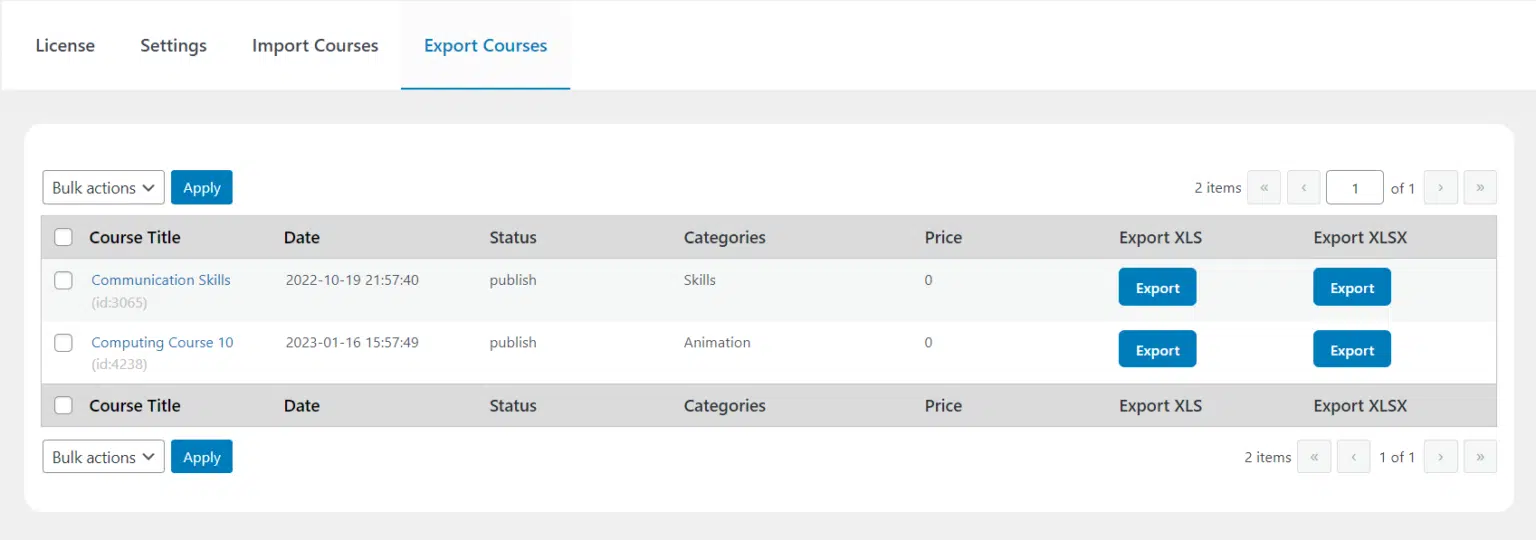
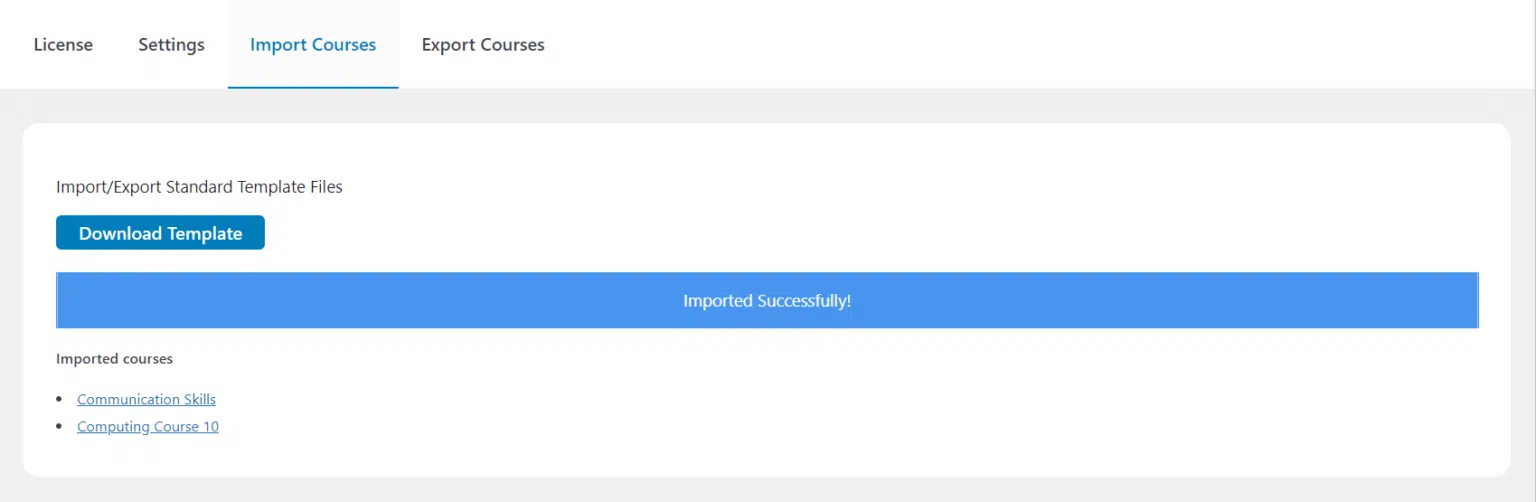
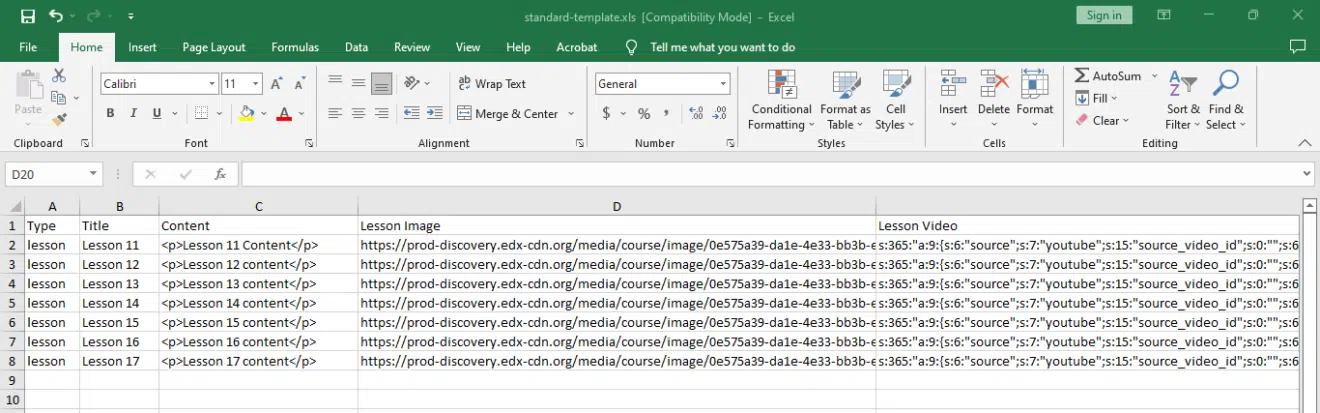
AR Webcrafts built a complete course import and export system that integrates directly into the TutorLMS menu. Admins navigate to TutorLMS > Course Import/Export and with a single click export any course — or multiple courses simultaneously using bulk select — into a clean .XLS or .XLSX spreadsheet file containing all course content and settings. That file can then be imported into any TutorLMS site instantly — making migration effortless. For bulk course creation, a standard spreadsheet template is included — content managers fill in course titles, lesson names, topic details, and all settings directly in Excel or Google Sheets, then upload the completed file to create dozens of courses in one import. Courses, lessons, and topics are all supported, with the spreadsheet organized into clearly labeled tabs for each content type. After import, each course appears in draft — admins review and publish when ready.
A platform that previously spent weeks manually building a 40-course catalog reduced their entire content setup to a single afternoon — filling in a spreadsheet and running one import. Course migration to a rebranded new site that would have taken a developer weeks to recreate manually was completed in under two hours. Content managers who had never accessed WordPress were able to update lesson content and create new courses independently using the spreadsheet template, reducing the admin team’s workload significantly.

We build custom import/export and content management tools for TutorLMS that save your team days of manual work — and keep your course content safe.
