

Copyright © 2019 - 2026 AR Webcrafts LLC. | All Rights Reserved
- Welcome, We Transform Your Concepts into Reality.


Current Version

Last Update

WordPress Version

LearnDash Version

PHP Version
A custom LearnDash add-on that lets admins assign multiple categories to questions and auto-build category-based quizzes — built by AR Webcrafts.
A professional training platform came to us with a growing question bank — hundreds of questions across dozens of topics. Their biggest headache? LearnDash only allows one category per question, and building quizzes manually was taking their team hours each week. They needed a smarter system: organize questions into multiple categories, then let the platform automatically pull randomized questions from those categories to create fresh quizzes every time.
LearnDash’s default system allows only one category per question — limiting how questions can be organized and reused
Building quizzes manually from a large question bank was time-consuming and error-prone
Instructors couldn’t create truly randomized quizzes that pulled from specific topic areas
Students were seeing the same questions repeatedly, reducing the effectiveness of assessments
"We had 400+ questions in our bank and building quizzes was a nightmare. With this add-on, we just pick the categories, set the count, and it's done. Our instructors were genuinely shocked at how fast it became." — Training Platform Manager (Corporate Training, UK)
AR Webcrafts built a powerful quiz add-on that extends LearnDash’s native question bank. Now, admins can assign multiple categories to a single question — meaning one question about “Accounting & Tax Law” can sit inside both the Accounting category and the Legal Compliance category simultaneously. When building a quiz, the instructor simply selects which categories to pull from and how many questions per category — and the system automatically populates the quiz with randomized questions from those categories. No manual question picking. No repetition for students.
The training platform eliminated hours of manual quiz-building each week. Instructors could now build a single quiz template and let the system generate unique versions automatically. Students encountered fresh questions on every attempt, significantly improving assessment reliability. The platform was also able to scale its course catalog faster because building a new quiz for a new topic took minutes instead of hours.
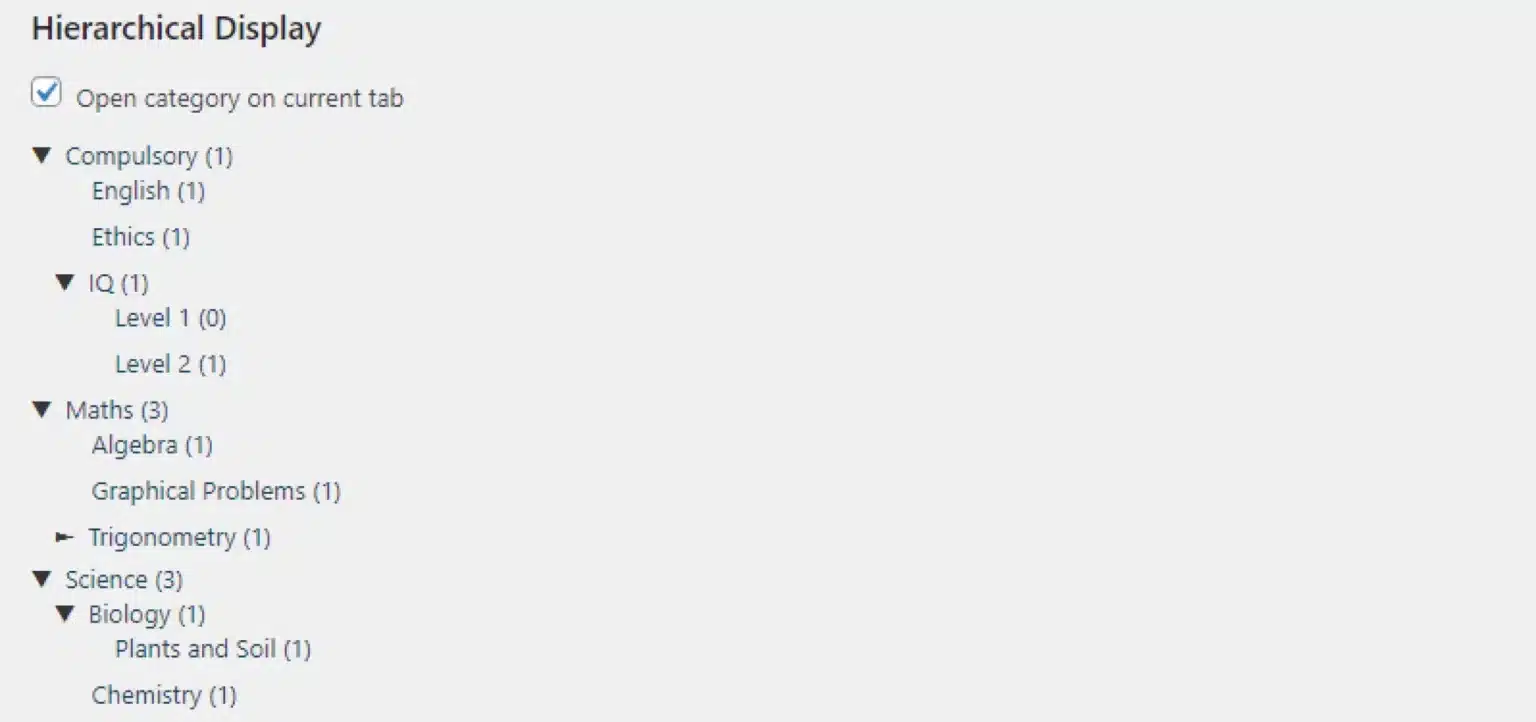
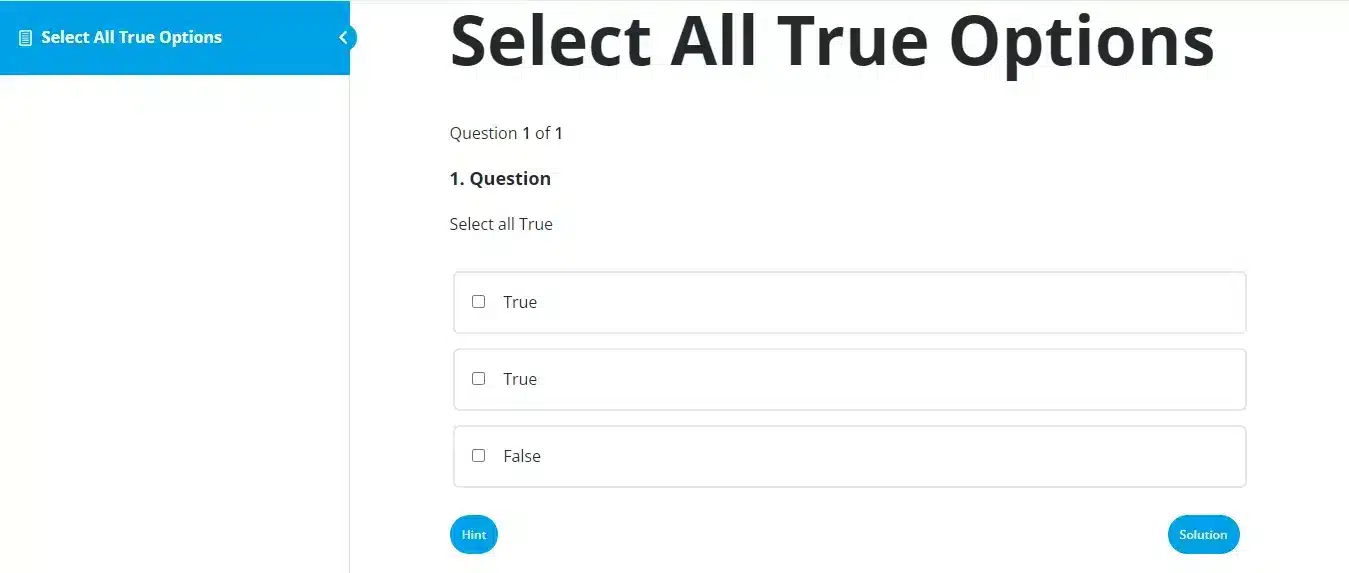
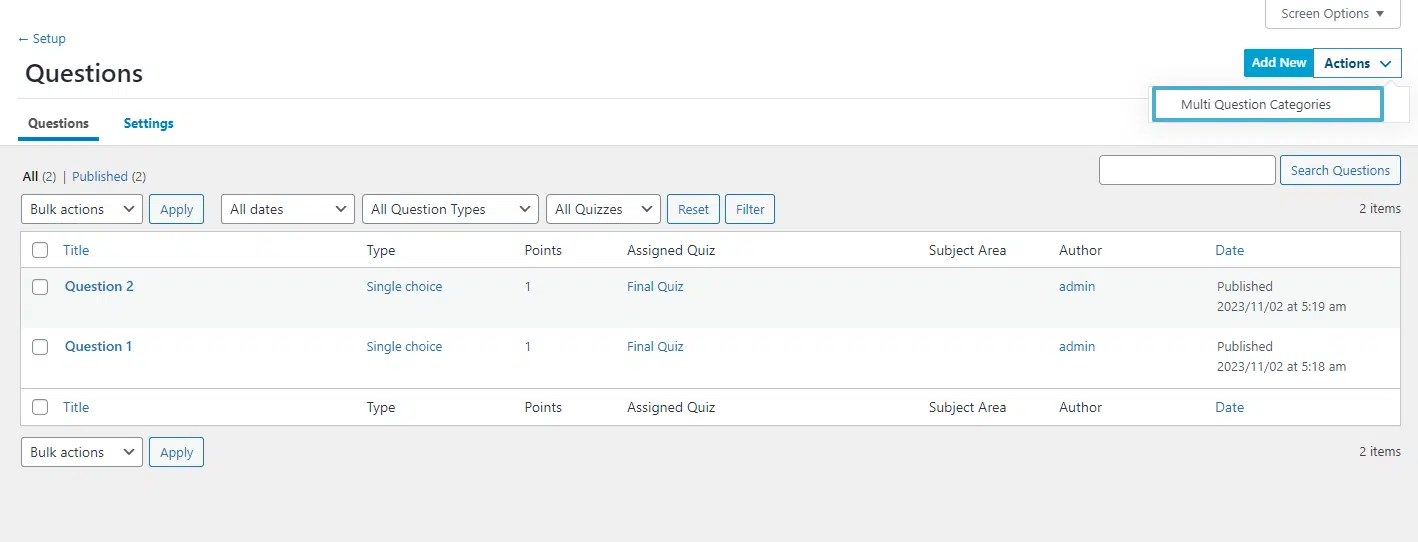
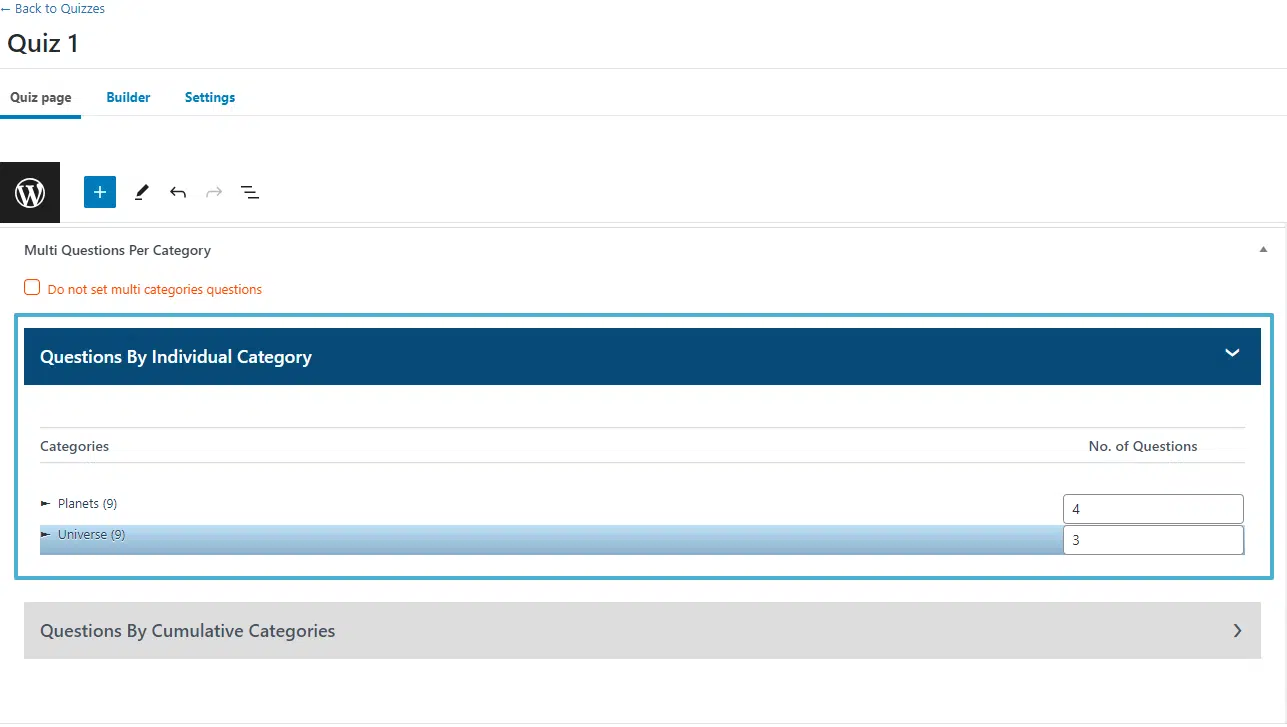
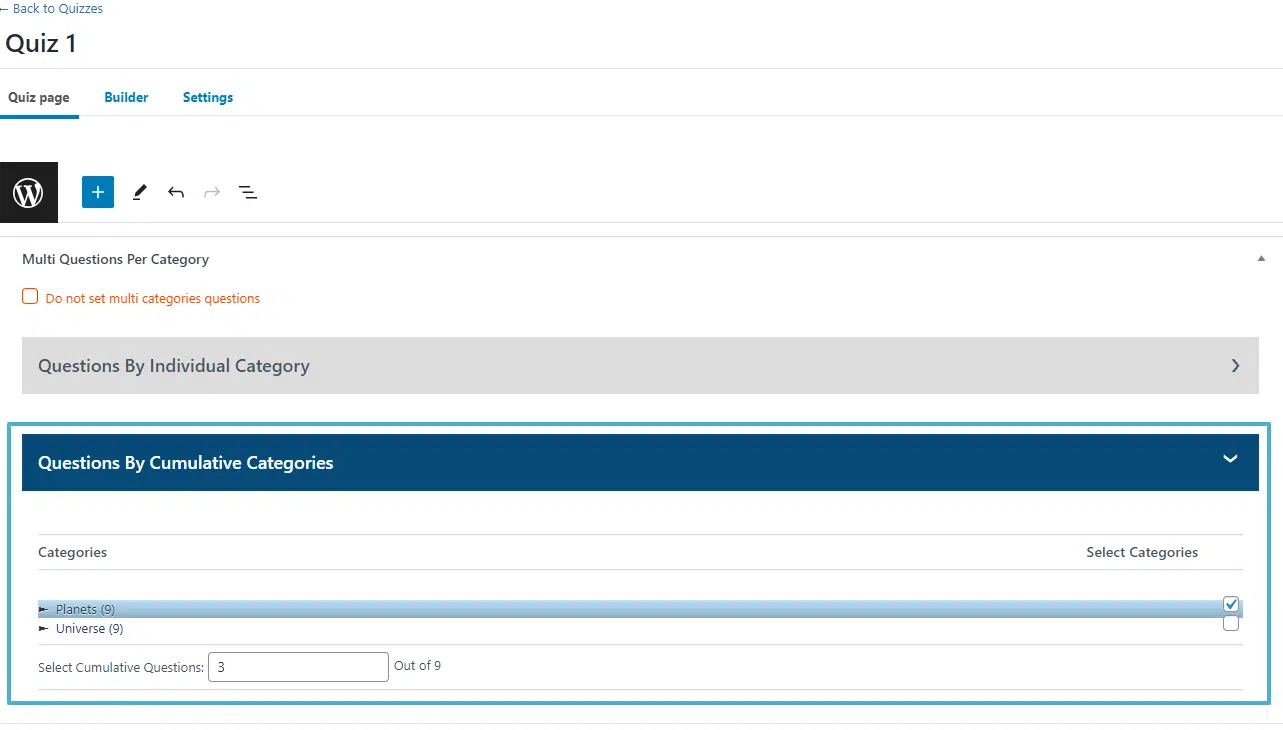
Craft engaging quizzes by incorporating randomized questions selected from designated question categories.
We build custom LearnDash add-ons designed to save your team time and give your students a better learning experience.