

Copyright © 2019 - 2026 AR Webcrafts LLC. | All Rights Reserved
- Welcome, We Transform Your Concepts into Reality.
A custom LearnDash add-on that resets course, quiz, and assignment progress for any user, group, or role — instantly or automatically — built by AR Webcrafts.
A professional certification platform faced a recurring operational challenge: students who failed certification exams needed to restart their courses from scratch, but manually resetting their progress one by one was tedious and error-prone. Annual compliance training platforms had the same problem at scale — every year, they needed to reset progress for hundreds of users simultaneously so they could retake mandatory courses. There was no automated or bulk solution built into LearnDash.
Resetting a student’s course progress in LearnDash had to be done manually, one user at a time — completely unscalable for large platforms
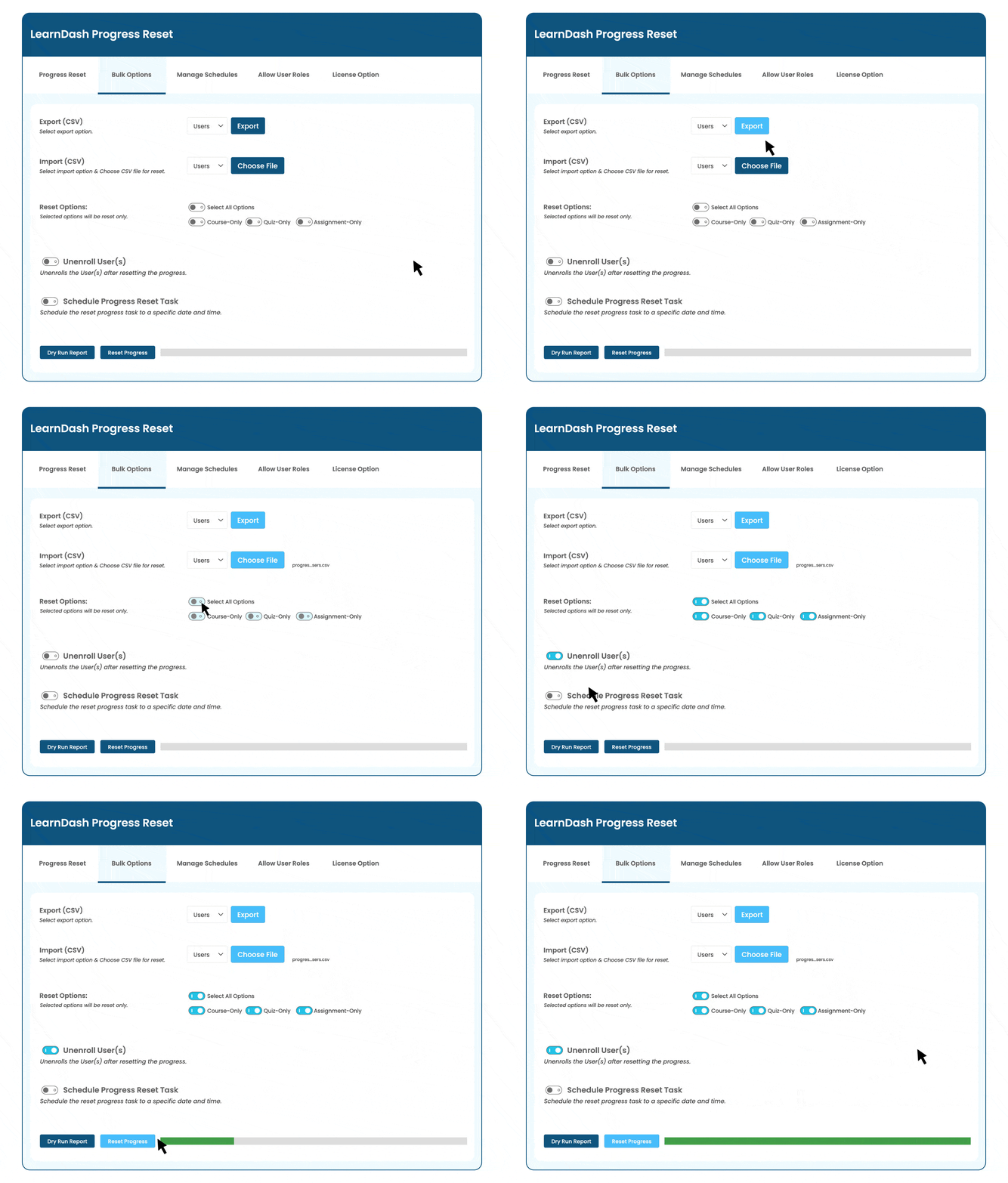
Annual compliance and recertification programs needed to reset progress for hundreds or thousands of users simultaneously at the start of each cycle
Admins had no control over which content types to reset — it was all or nothing with no option to reset only quizzes or only assignments
No scheduling system existed — admins had to be present and manually trigger resets at exactly the right time
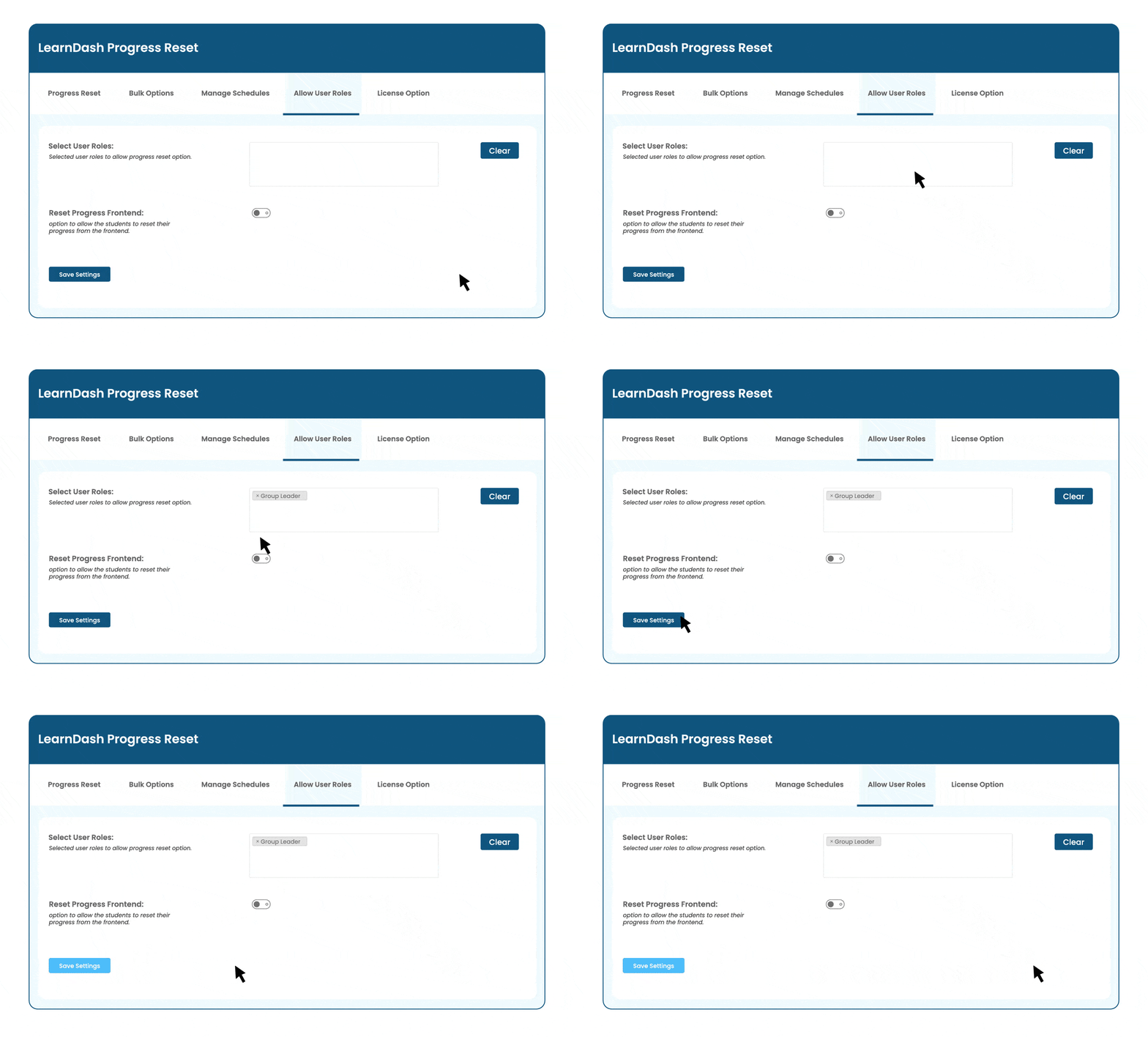
No way to reset progress for an entire user role or group at once — only individual users were manageable
"Every January we had to reset 800 users across 12 mandatory compliance courses. It took our admin team two days. Now I set the schedule in November and it runs itself on January 1st. I don't even think about it anymore."
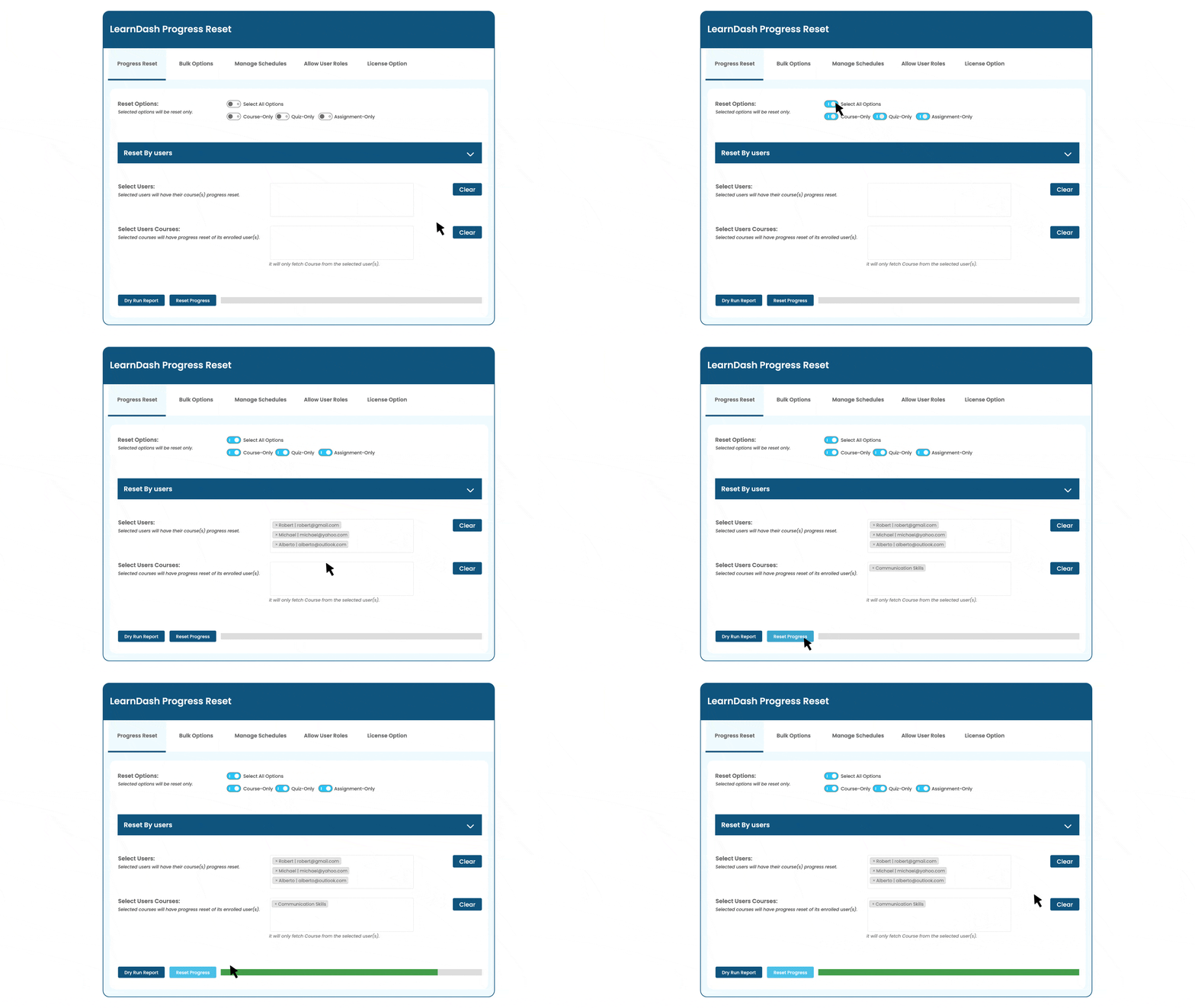
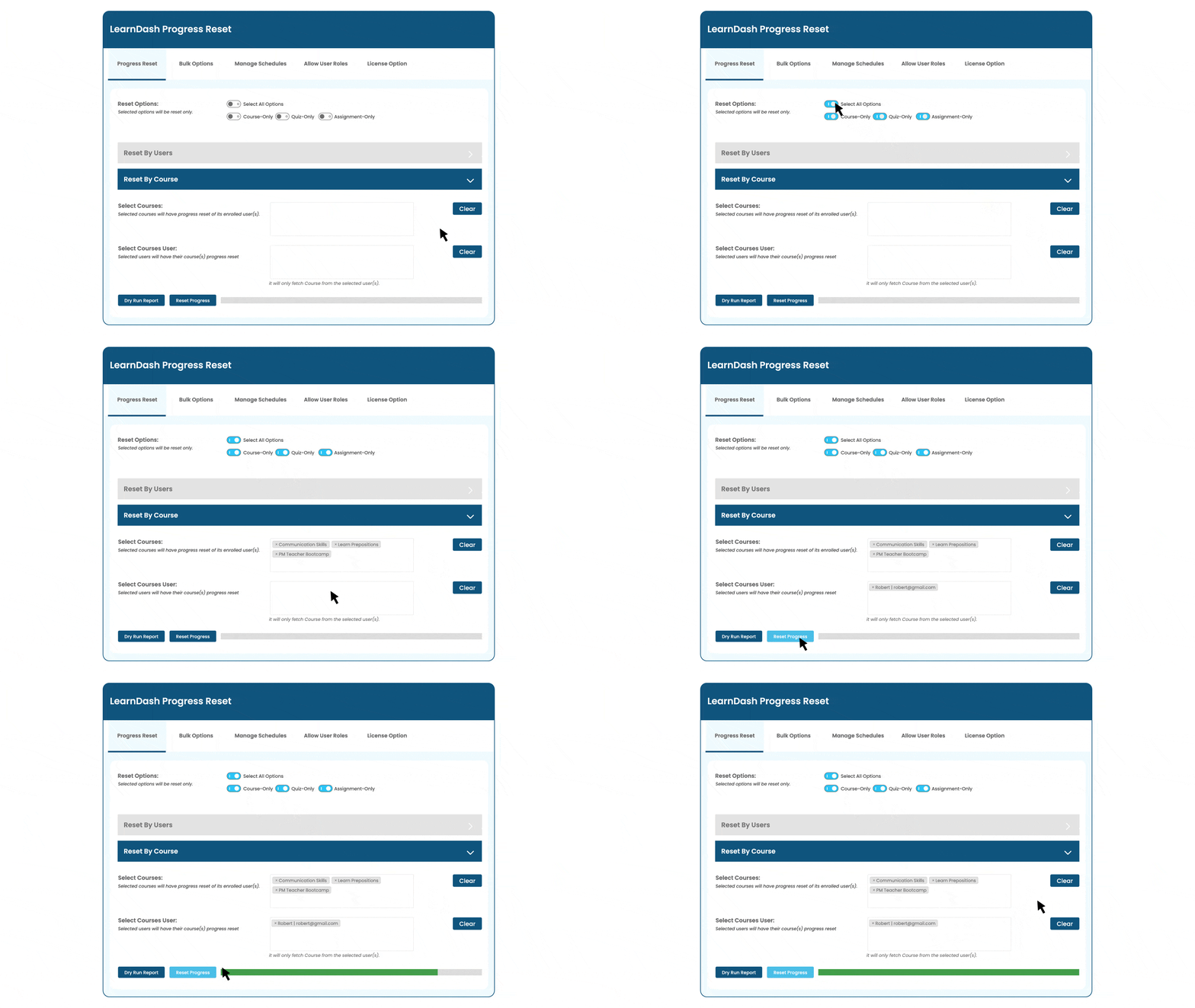
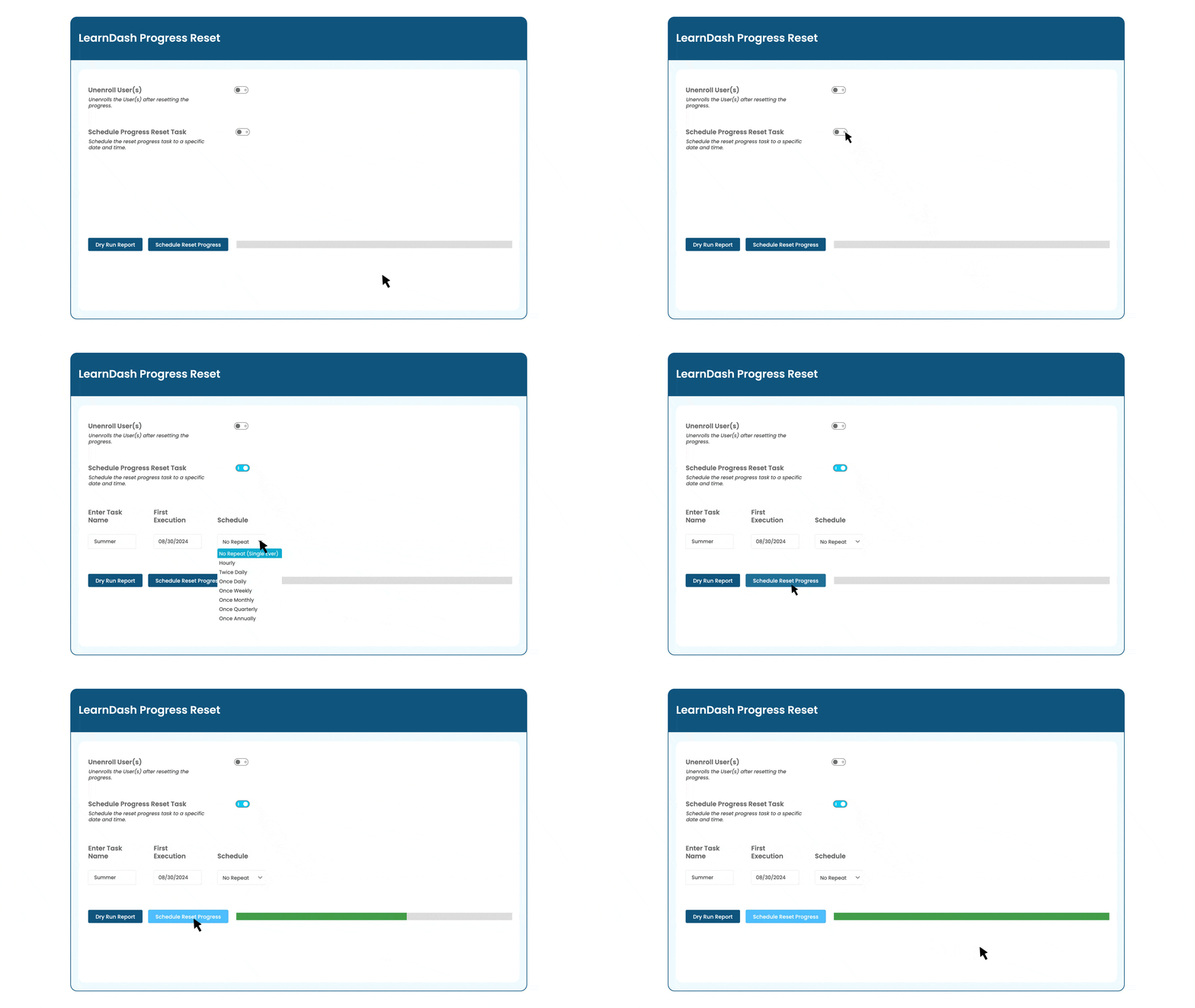
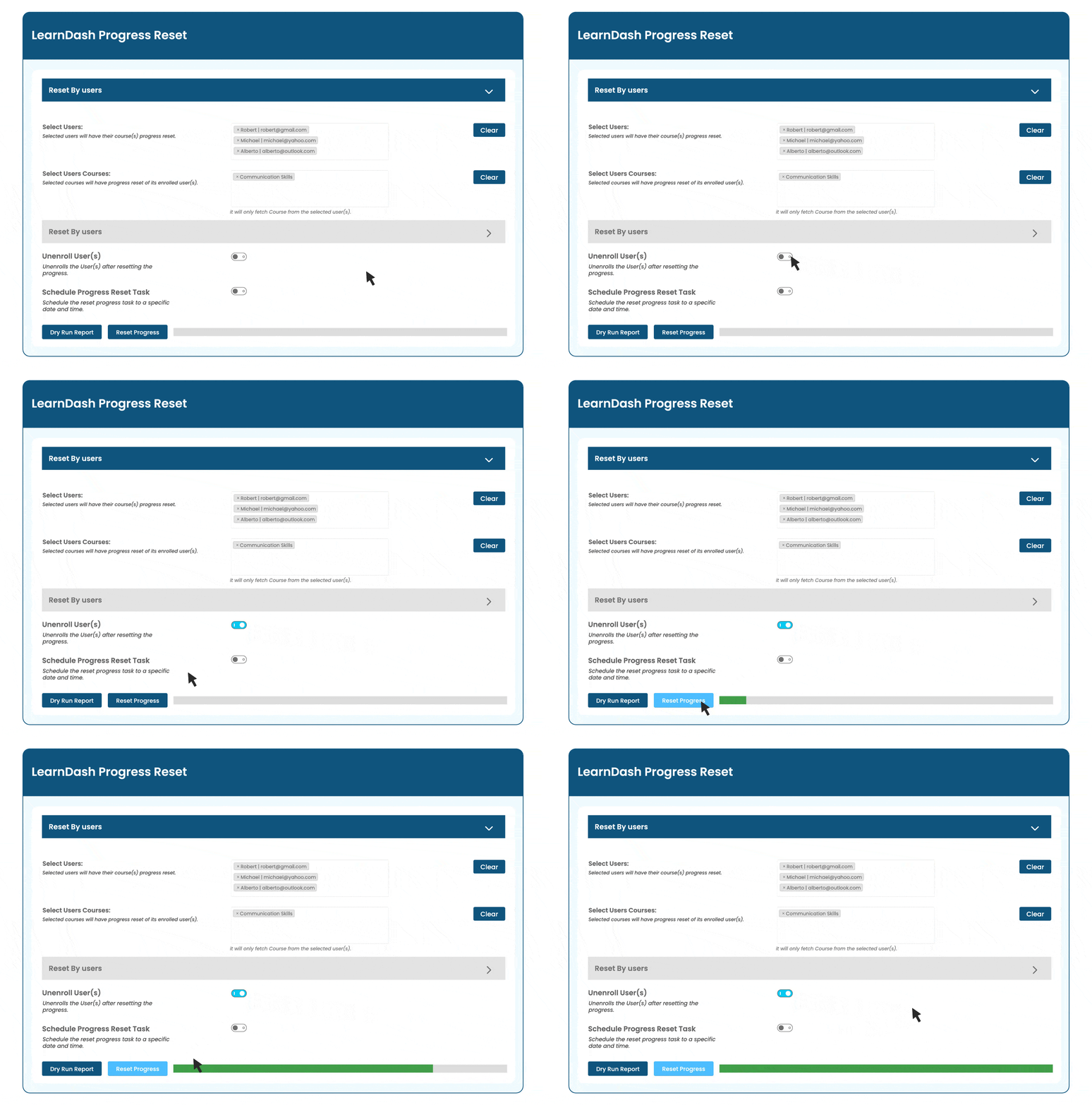
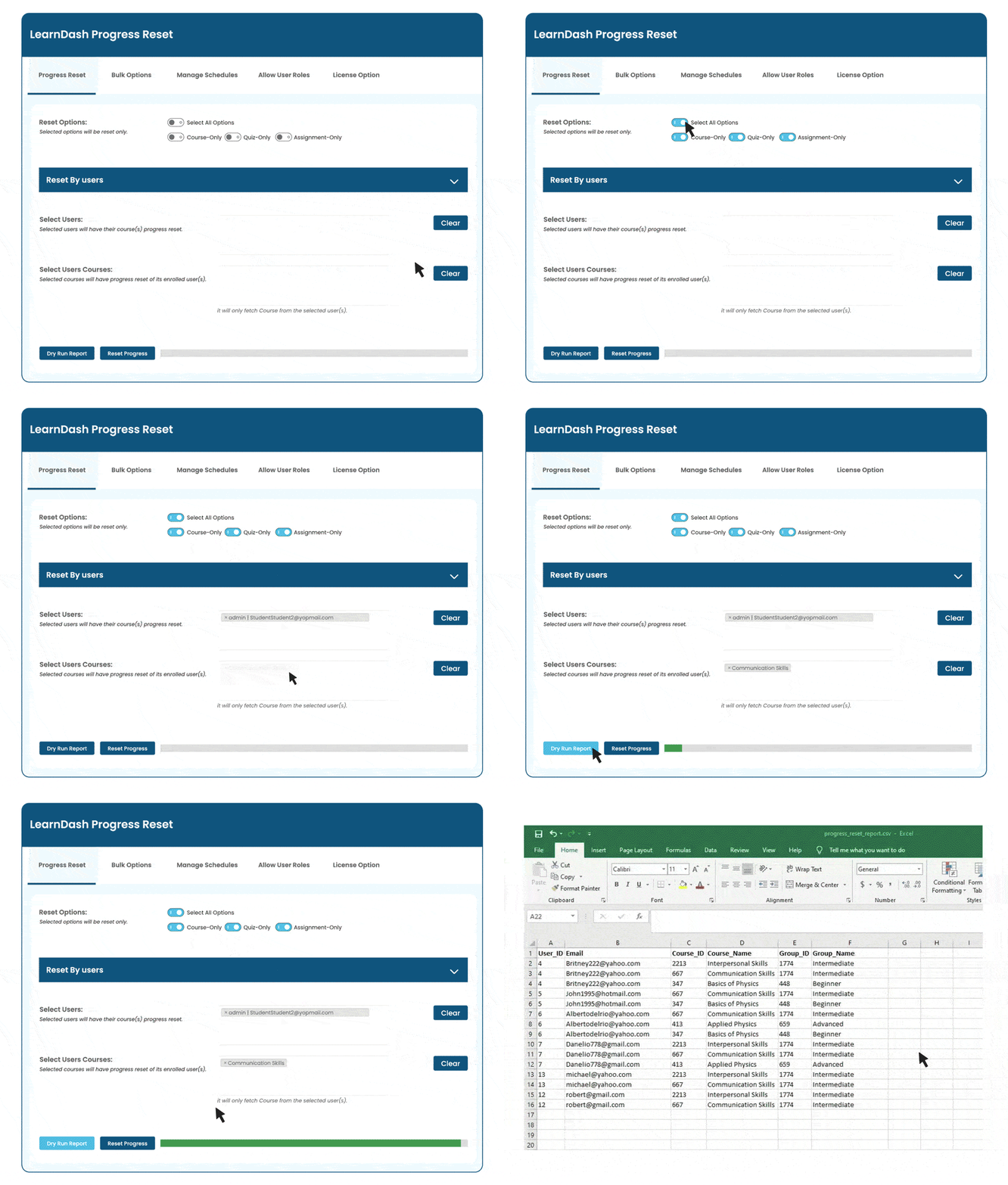
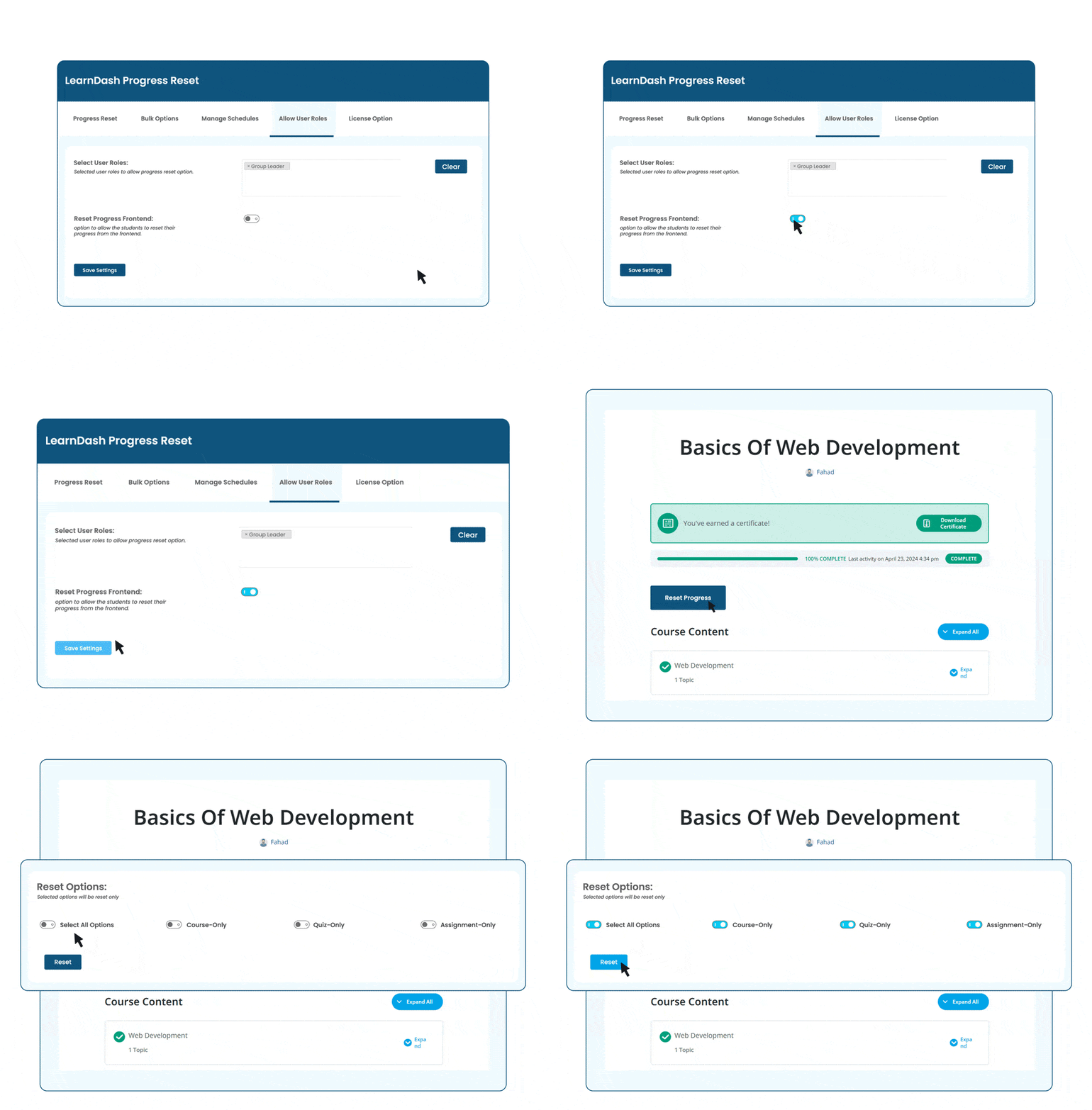
AR Webcrafts built a comprehensive progress reset system that gives admins granular, batch, and automated control over course progress across the entire platform. From a clean reset panel, admins select exactly which content types to reset — courses only, quizzes only, assignments only, or any combination. They then select the target — an individual user, multiple users, a specific group, or an entire user role. For annual or recurring programs, an automatic scheduling system lets admins set a specific date and time for the reset to run automatically — no admin presence required. All existing course data, enrolled progress, quiz attempts, and assignment submissions for the selected targets are cleanly reset to 0% on schedule.
A compliance training platform that previously spent two full days manually resetting student progress at the start of each annual cycle reduced that to a five-minute scheduled setup — and the system ran automatically at midnight on the reset date without any admin involvement. For certification platforms, failed students could be reset and re-enrolled immediately, eliminating the frustrating multi-day wait that had previously discouraged retakes.
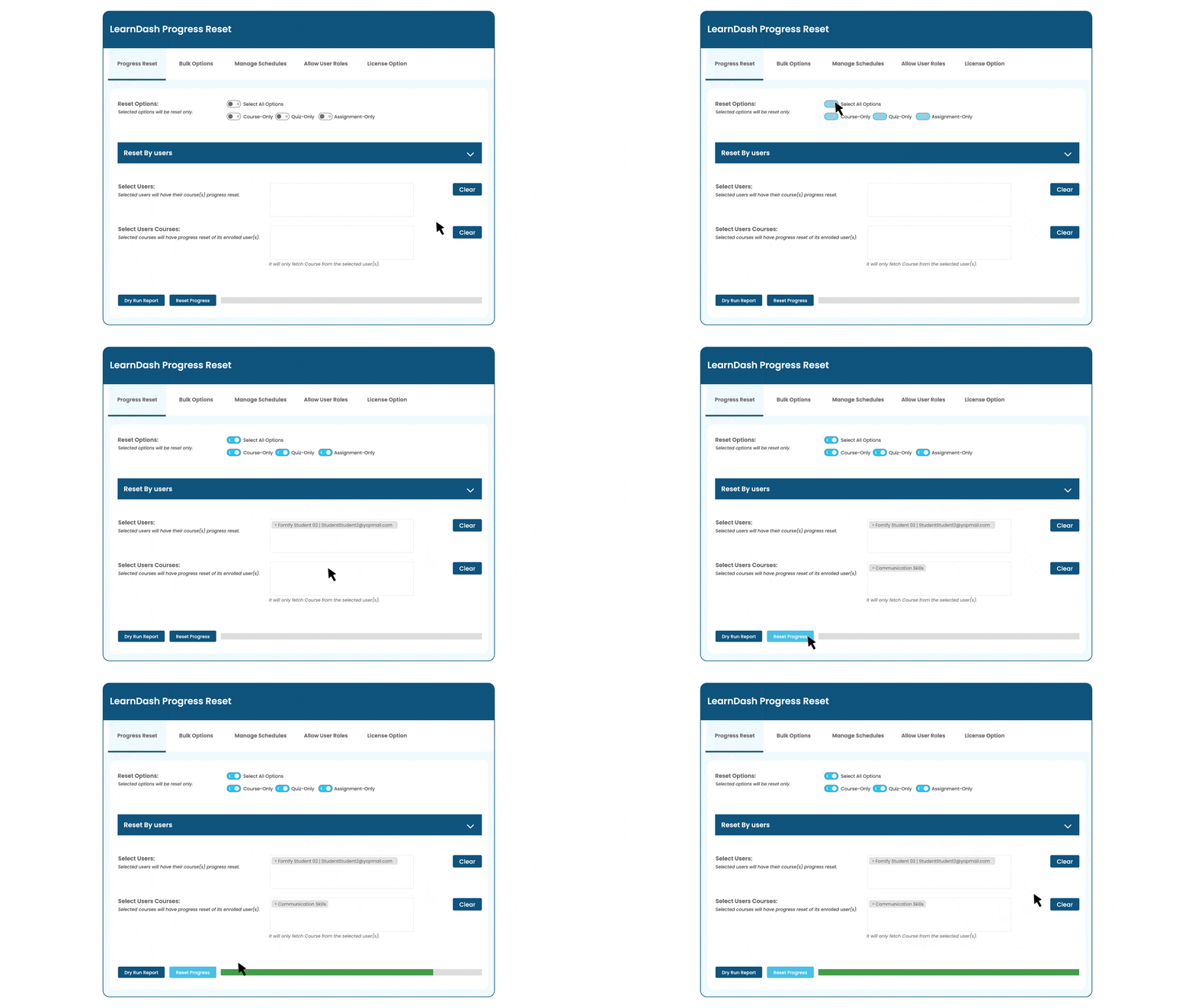
Perhaps one student has fallen too far behind, or you have an overly ambitious student looking to re-do the course for extra revision! In this case, you can simply revert all completed content to incomplete for all courses a single user is enrolled in.
We build custom automation and administration tools for LearnDash that handle the heavy lifting — so your team doesn’t have to.