How We Helped an eLearning Platform Motivate Students to Study Consistently — By Letting Them Set Their Own Weekly Goals

A custom LearnDash add-on that empowers students to set personal weekly study time targets, track their video and reading progress, and receive motivational emails upon completion — built by AR Webcrafts.

Submit on all Pages

Add-On Overview & Features

A growing online course platform was struggling with a familiar problem: students enrolled enthusiastically but drifted away within weeks. There were no personal commitments, no progress markers tied to time, and no motivational touchpoints to bring students back when they fell behind. The platform needed a self-directed goal system — one that put students in control of their own learning schedule, held them accountable to it, and celebrated them when they hit their targets.

THE CHALLENGE


Students had no personal study commitments — enrollment didn’t translate into consistent weekly engagement

The platform had no way to track how much time students were actually spending on lessons and videos each week

No goal-setting or accountability system existed — students had nothing to measure their effort against

Instructors had no motivational messaging tools — there were no automated encouragement emails tied to student behavior

The platform’s video content was completely untracked for time — admins couldn’t tell if students were watching videos or just scrolling past them

No widget or shortcode existed to surface goal progress on the student’s profile or dashboard page

CLIENT QUOTE

"The drop-off after enrollment was our biggest problem. Students would sign up and then just... disappear. After launching the Goals add-on, students started coming back every week to hit their targets. The congratulations email got more replies from happy students than anything we'd ever sent before."

The Solution & Results

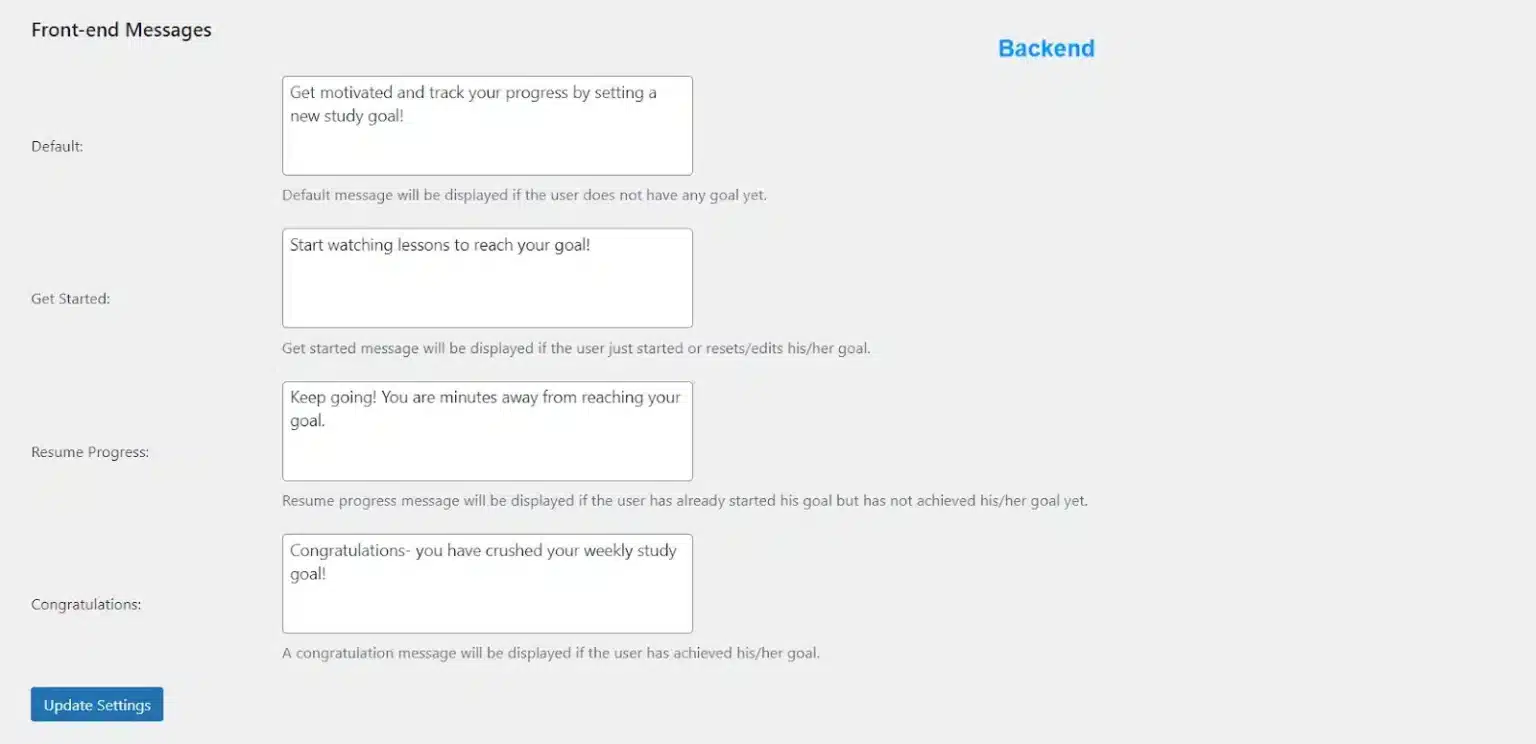
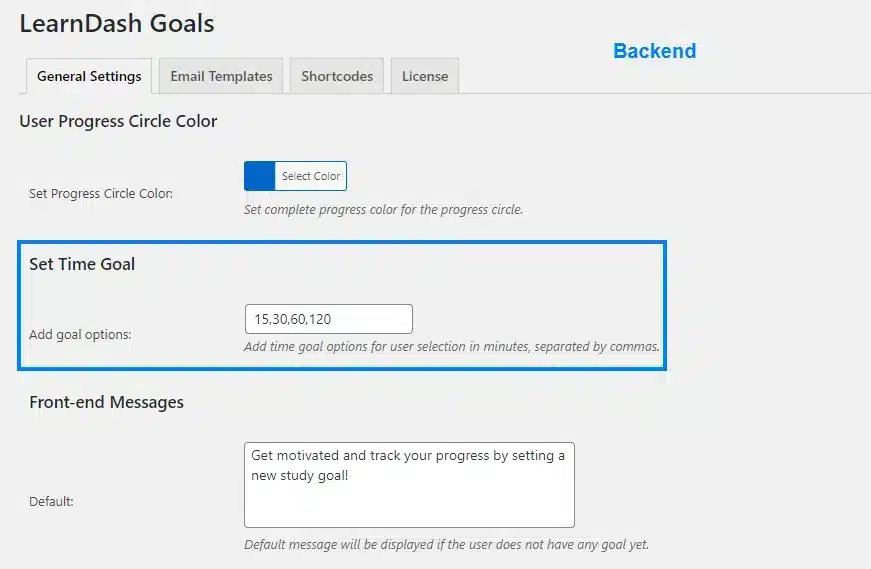
AR Webcrafts built a complete student goal-setting system that integrates directly into LearnDash. Students visit their profile or a designated goals page and set a personal weekly study time target — choosing from admin-configured time options (e.g., 30, 60, 90, or 120 minutes per week). From that point, every minute they spend watching lesson and topic videos, or reading course content, is automatically tracked and counted toward their weekly goal. A visual progress bar updates in real time, showing students exactly how close they are to hitting their target. Admins can configure custom motivational messages that appear at four key moments: before a goal is set, when a new goal is saved, when the student needs to push to complete it, and when they finally achieve it. Automated email notifications fire at goal creation and upon goal completion — celebrating students at the exact moment they succeed. A WordPress widget and shortcode let admins place the goals display on any page — profile pages, dashboards, or sidebars.

Set Study Time Targets

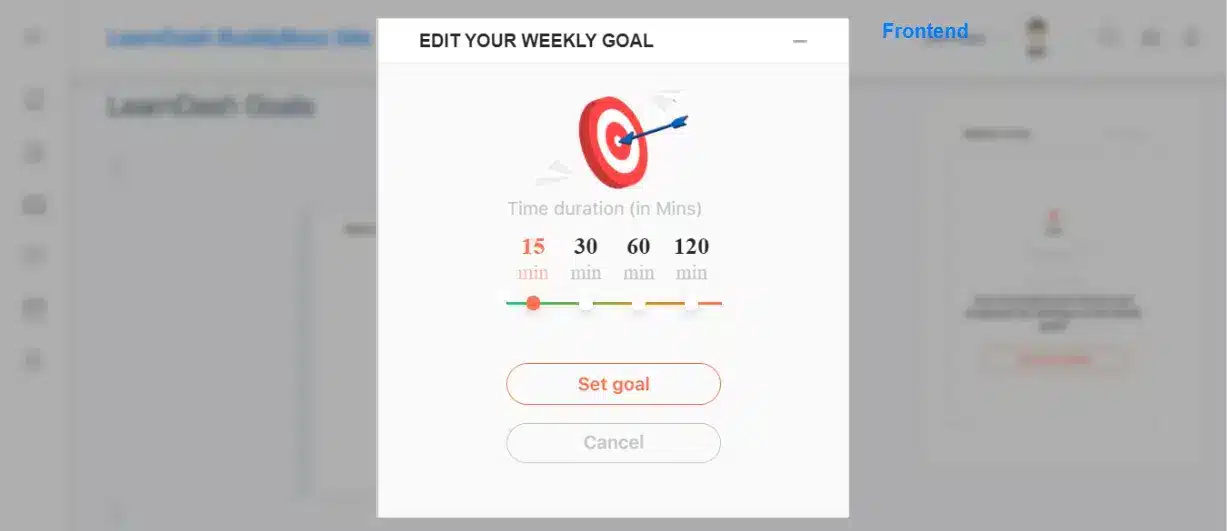
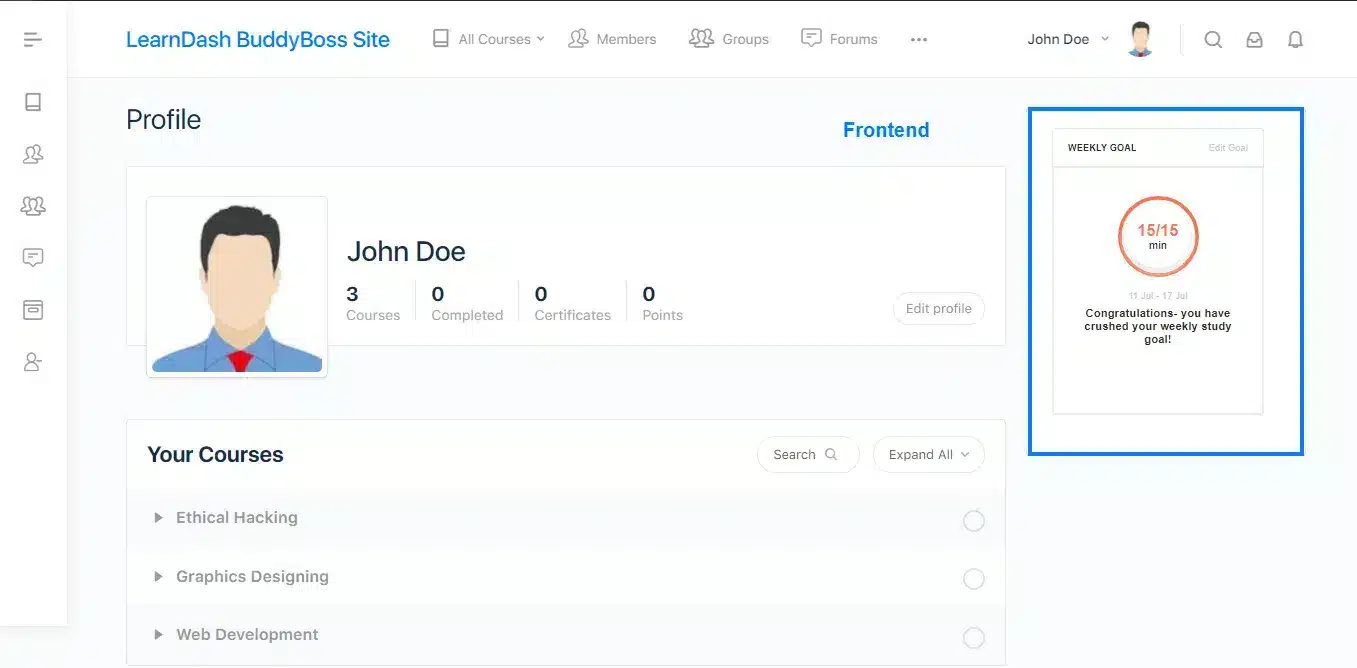
Enable your students to set their own study targets by determining how much time they want to spend studying each week. Every minute spent watching lesson or topic videos is tracked towards the objective. Students can also go back and edit their weekly study goals at any time, meaning their expectations remain flexible and achievable.

Guide Students On A Path To Progress

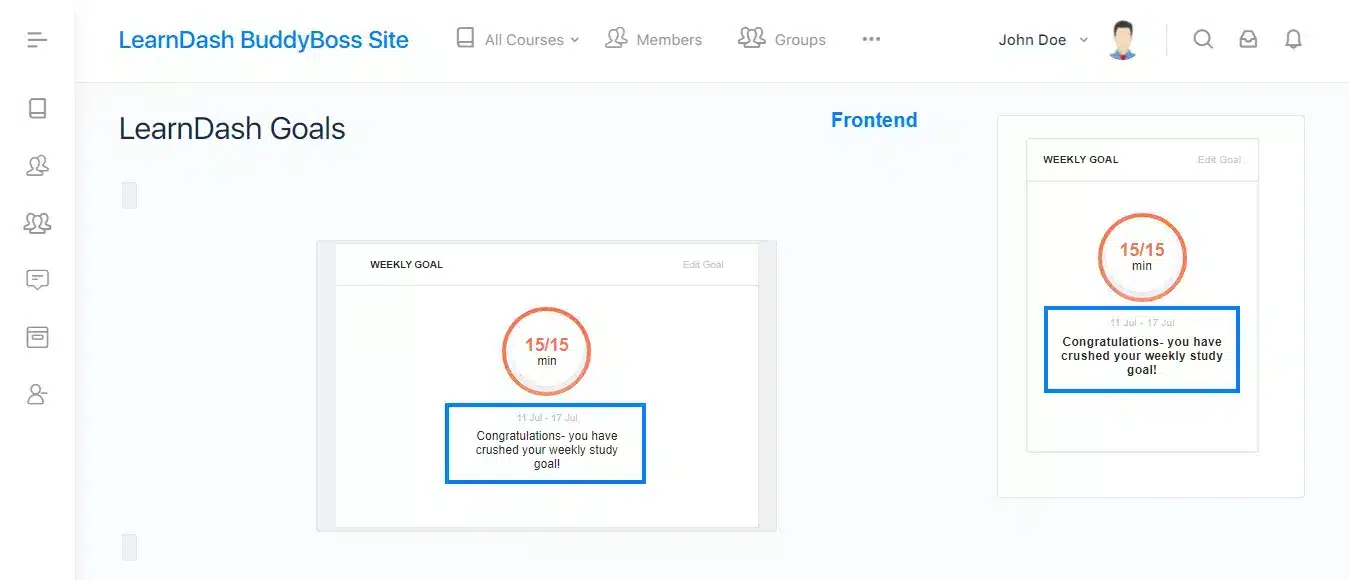
Student’s efforts, such as time spent working are displayed in a progress line on the front-end of your site. This goal setting information is set up by shortcode and helps students to visualize and maintain successful studying habits. Additionally, keep your students on track by letting them know how close they are to reaching their goals with progress status messages. The feature encourages students to get started or resume progress, as well as congratulating them upon achievement.

Send Email Notifications

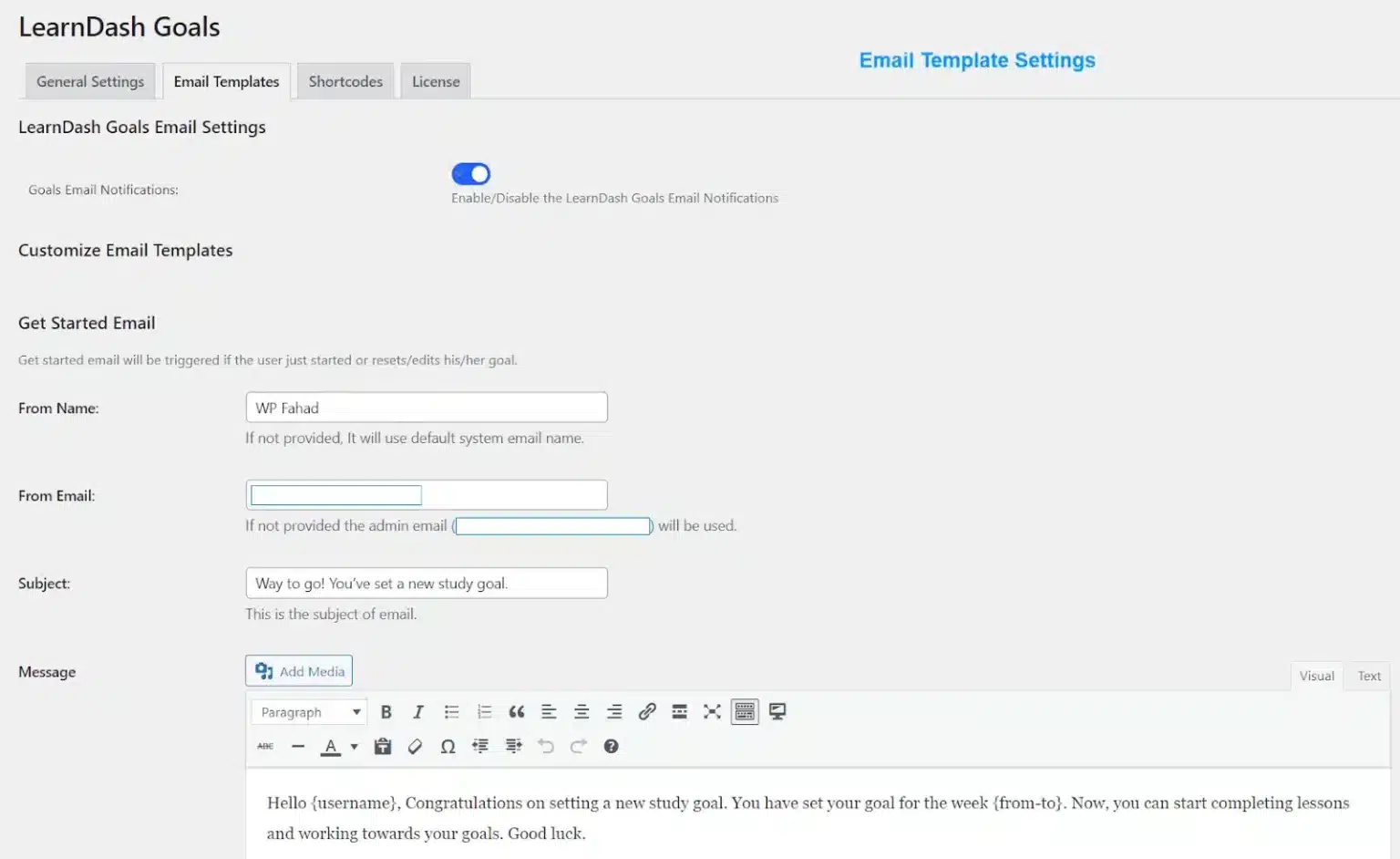
Send emails encouraging students to work when they set a new goal or to congratulate them once they have successfully completed their study targets.

Increase Motivation

Breaking down bigger goals, such as completing a course – into smaller objectives, like weekly study time, makes achievement more attainable for your students.

Promote Better Time Management

When students set their own expectations regarding time dedicated to their coursework each week, they can then manage their capacity and set a realistic study schedule.

Enhance User Experience With A Widget

Add a widget on the global sidebar for your students to see their progress at all times.

Global Time Tracking for Enhanced Learning

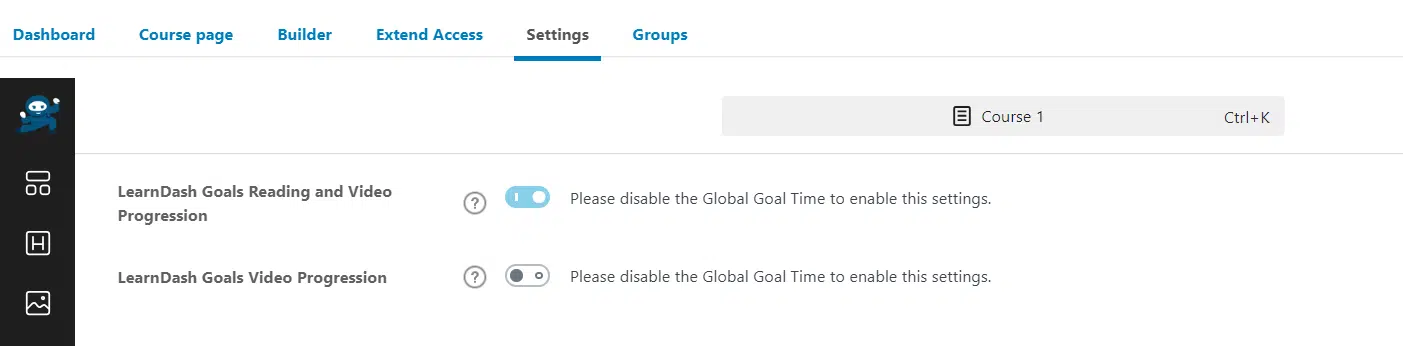
Enabling the Global Time Tracking option automatically activates time tracking across all courses, lessons, and topics, eliminating the need to adjust settings individually for each one. Once this feature is turned on, you won’t need to enable time tracking separately for each course.

Want to Keep Your LearnDash Students Coming Back Every Week?

We build custom student engagement and motivation tools for LearnDash that turn passive enrollees into committed, consistent learners.

Request For Quote