
Copyright © 2019 - 2026 AR Webcrafts LLC. | All Rights Reserved
- Welcome, We Transform Your Concepts into Reality.
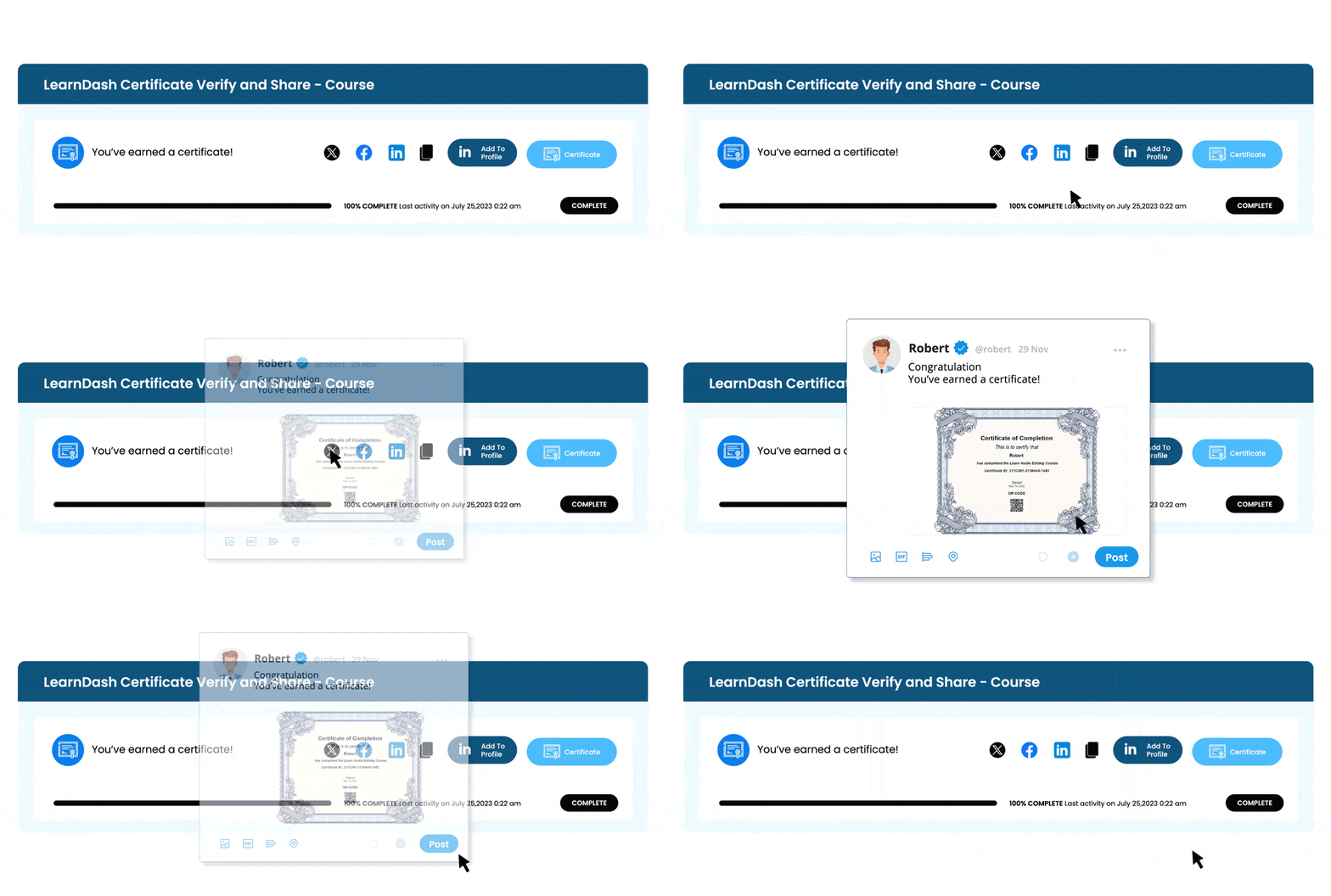
With the LearnDash Certificate Verify & Share add-on your students can easily share their earned certificates on their LinkedIn, Facebook, and Twitter accounts for all their contacts to see.
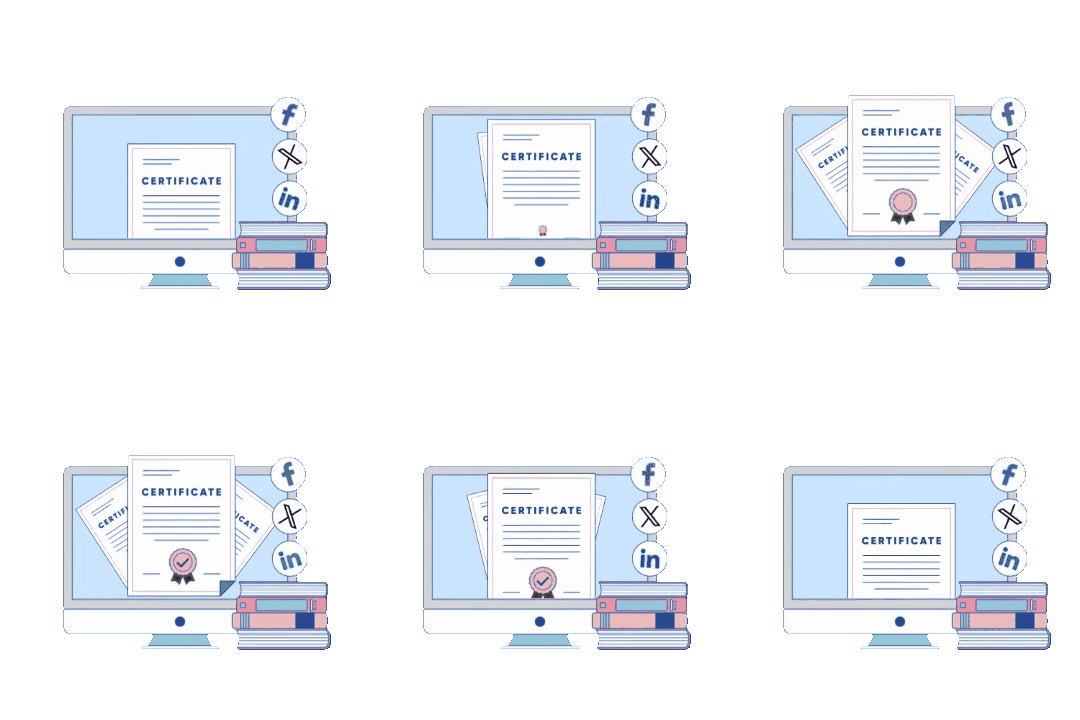
A custom LearnDash add-on that lets students verify, share, and proudly showcase their achievements — built by AR Webcrafts.
Current Version

Last Update

WordPress Version

LearnDash Version

PHP Version
The add-on adds value and validity to your student’s achievements by allowing information on LearnDash certificates to be verified directly on your site. Allowing your students to view and share detailed information about earned certificates to confirm the veracity of their credentials. Thus, they can use their certificates as evidence of their knowledge and skills.
Being able to share their certificates with family, friends and coworkers boost the sense of achievement and accomplishment that students get when completing a course or quiz.
An eLearning platform running on LearnDash came to us with a real problem: their students were earning certificates, but those certificates had no way to be verified or shared professionally. Employers and connections on LinkedIn had no way to confirm if the certificate was real. The platform was losing student trust — and students had no motivation to complete courses because the achievement felt invisible.
Students couldn’t share certificates on professional or social platforms
There was no verification system — anyone could fake a certificate
Course completion rates were low because students felt their effort went unrecognized
The platform had no branded, customizable email notifications to celebrate achievements
Before this add-on, our certificates were just images. Now they're real credentials our students actually use on their LinkedIn profiles. It's changed how our students value course completion.(eLearning, USA)
AR Webcrafts built a fully custom WordPress add-on deeply integrated with LearnDash. We created a dedicated Certificate Verification Page on the client’s own website — no third-party service needed. Each certificate gets a unique ID and QR Code (via shortcode) so anyone, anywhere, can scan or search to confirm a certificate is genuine. We also built one-click LinkedIn integration so students can add their certificates directly to their LinkedIn profiles, giving real professional value to course completion.
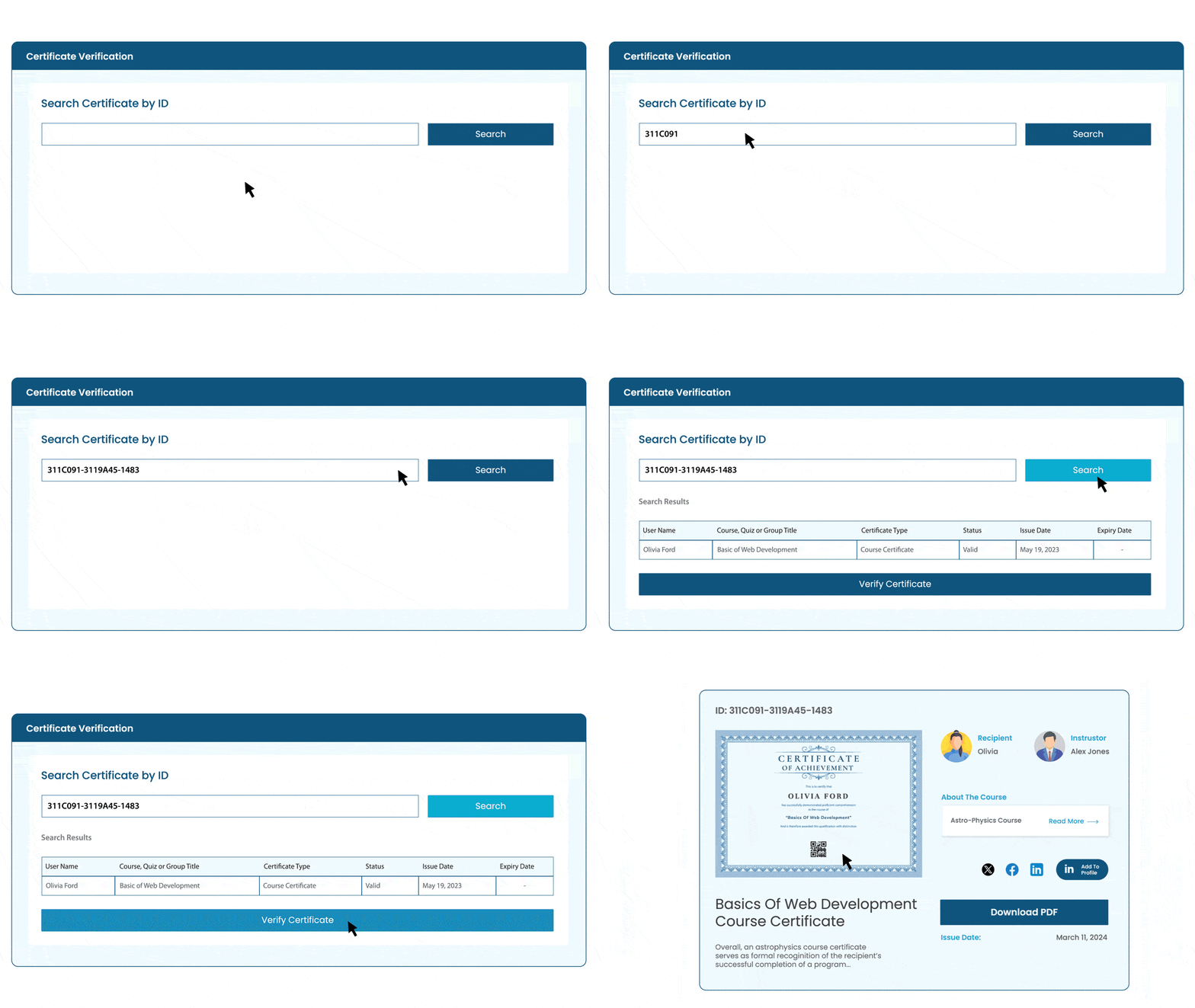
Add a verification page on your site, where students can directly find any certificate’s verification information by entering their unique certificate ID on the search field. You can display the unique certificate ID in certificates using a shortcode.
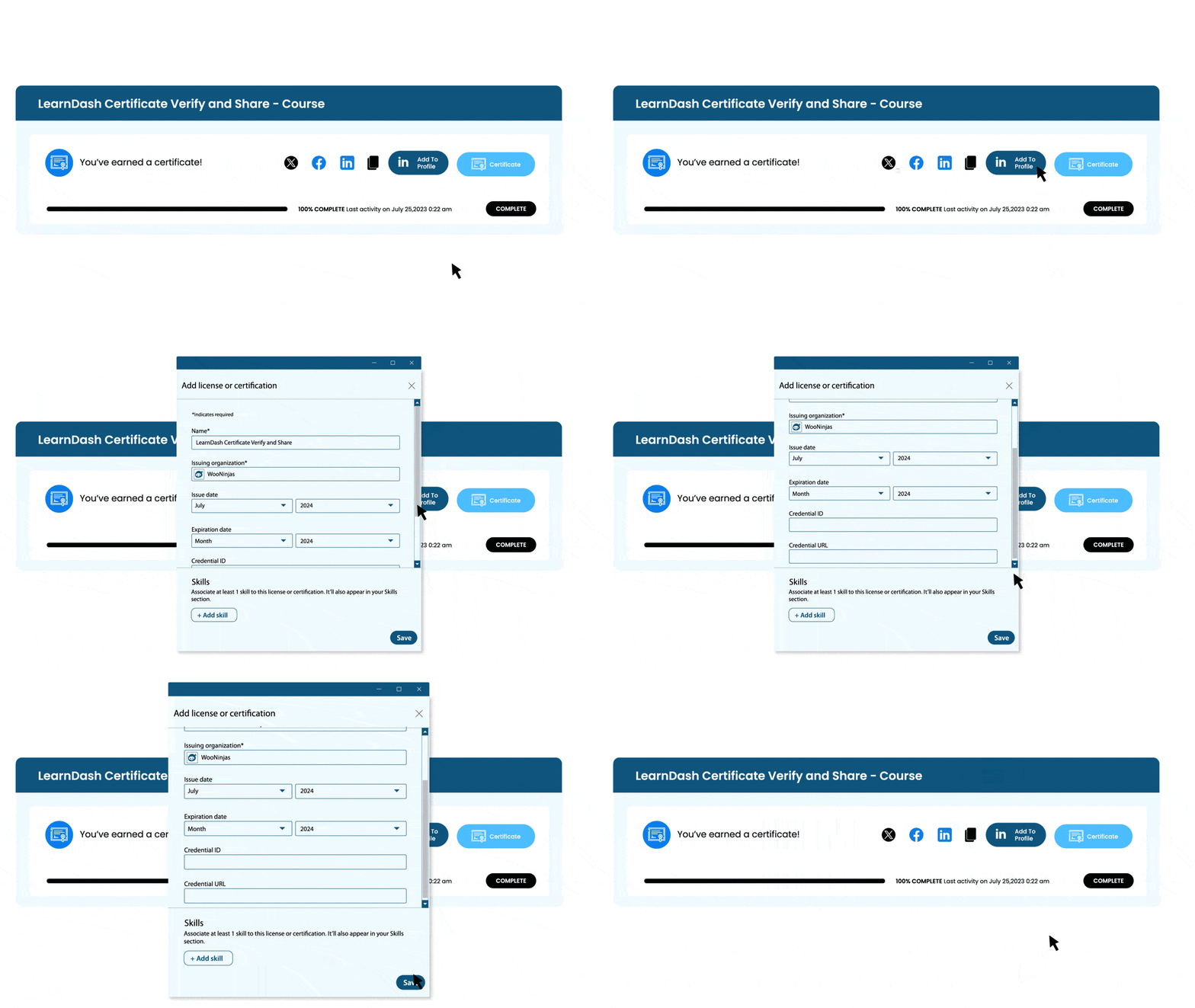
Students can add their LearnDash certificates and all of their data to their LinkedIn profile with a click of a button.
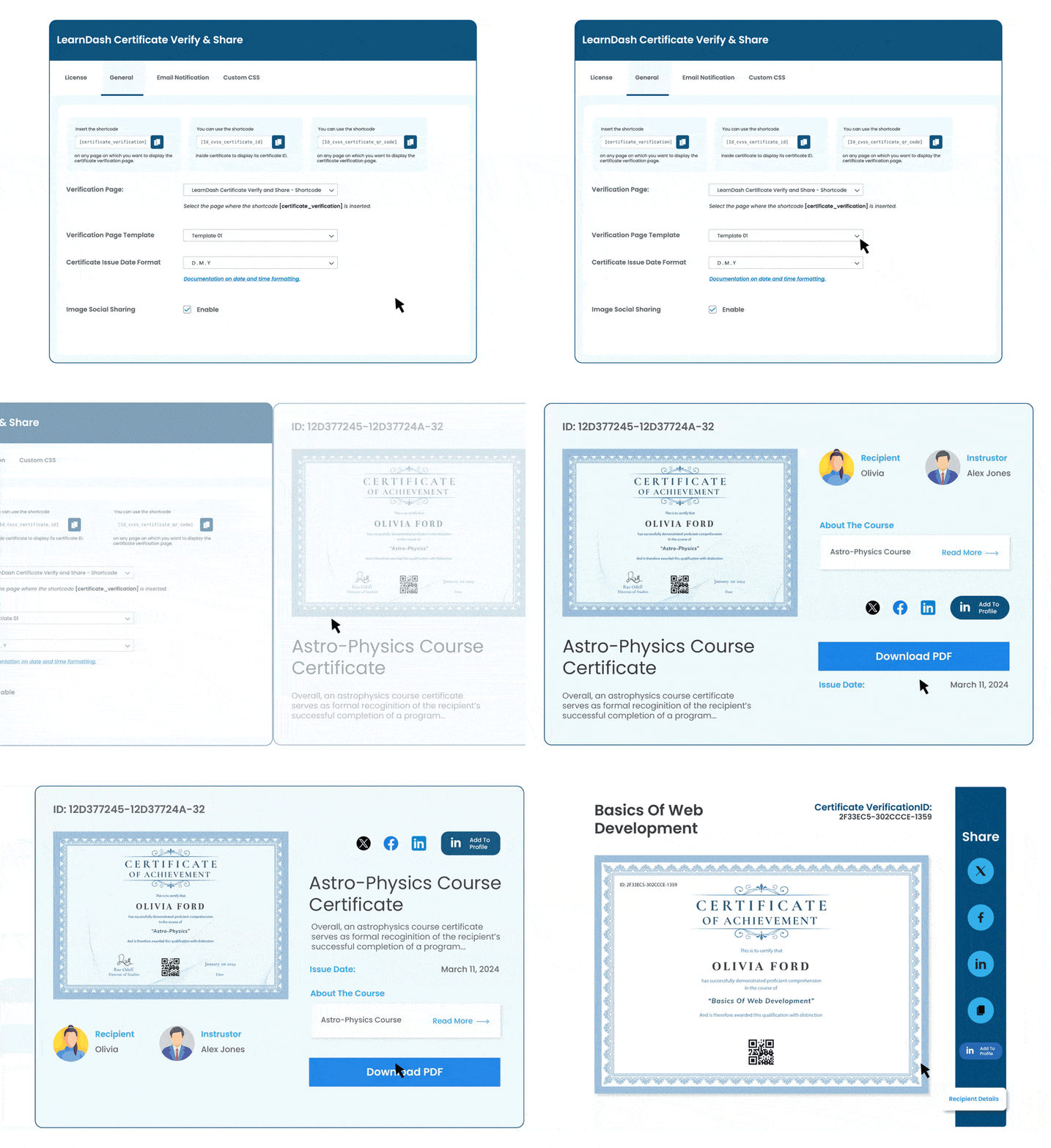
You can add a unique QR Code to each certificate using a shortcode. Scanning this unique QR Code will redirect you to the Certificate’s unique Verification Page.
Students can download their earned certificates from the verification page in PDF format.
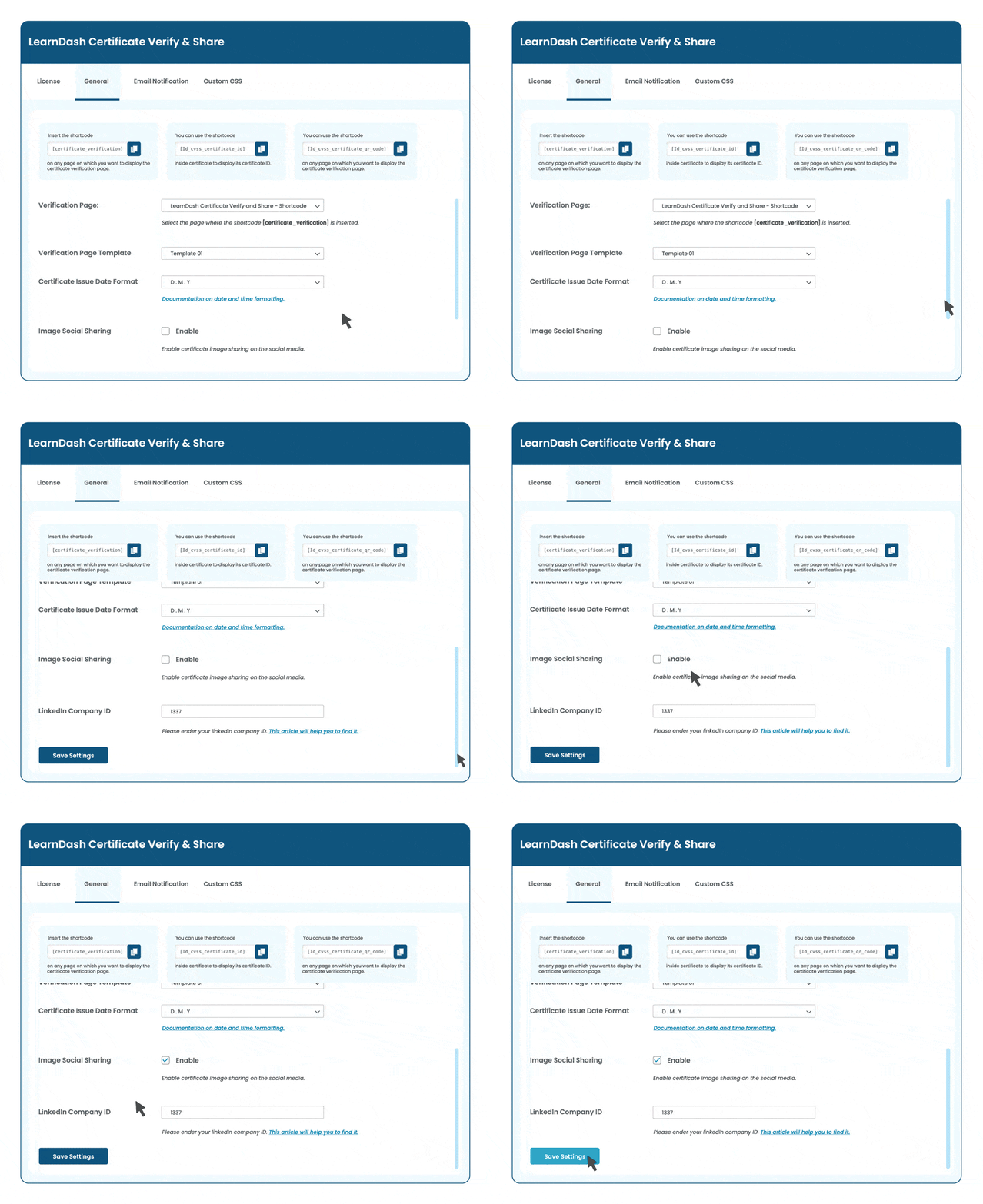
The LearnDash Certificate Verify and share add-on is compatible with the LearnDash Certificate builder add-on. You can use the built certificates for verification and sharing on social media.
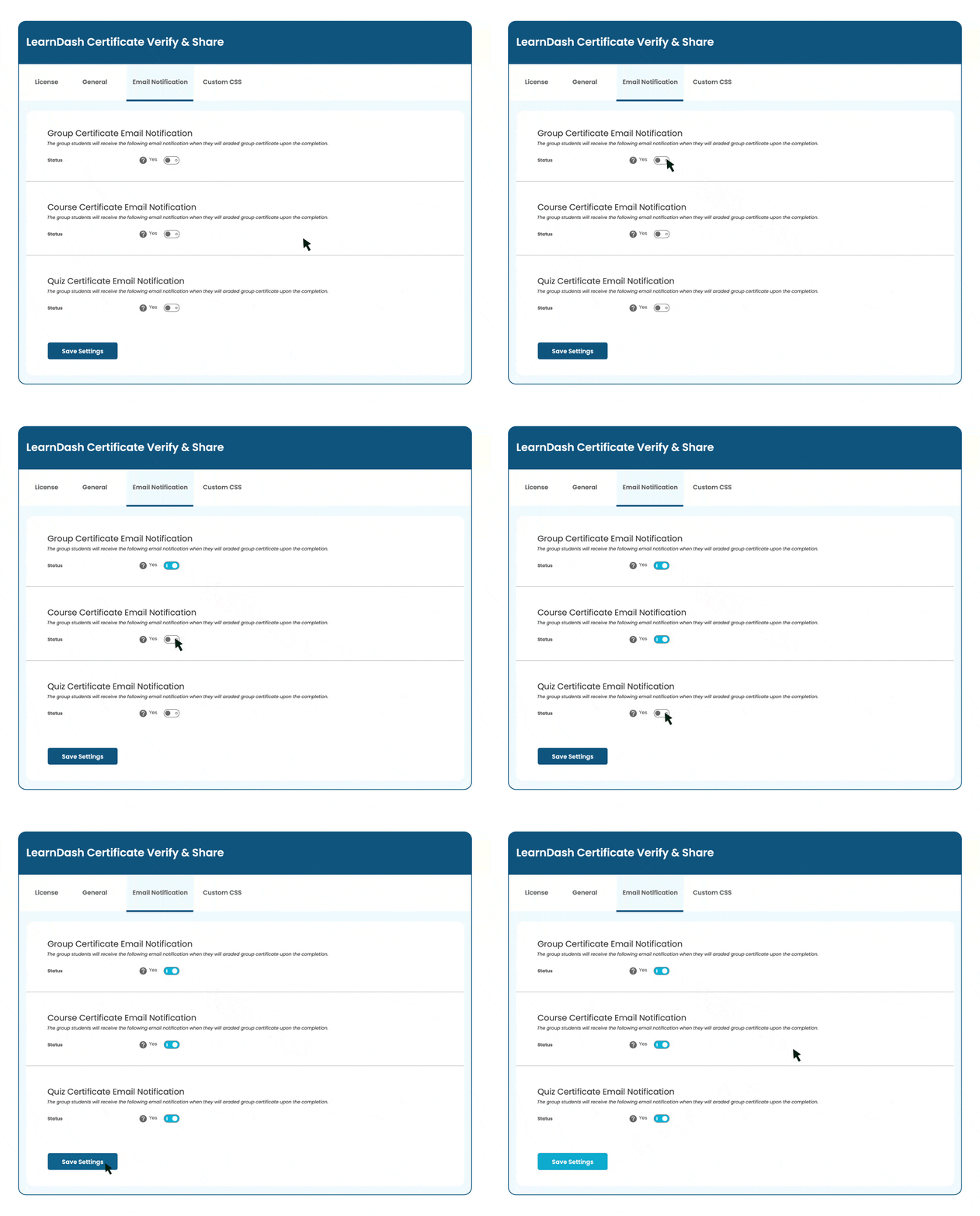
Tailor your students’ experience by deciding when and how they receive email notifications. With our settings, you can choose to alert them upon course, quiz, or group completion. Additionally, you have the flexibility to customize the email templates, ensuring every message aligns with your institution’s style and tone.
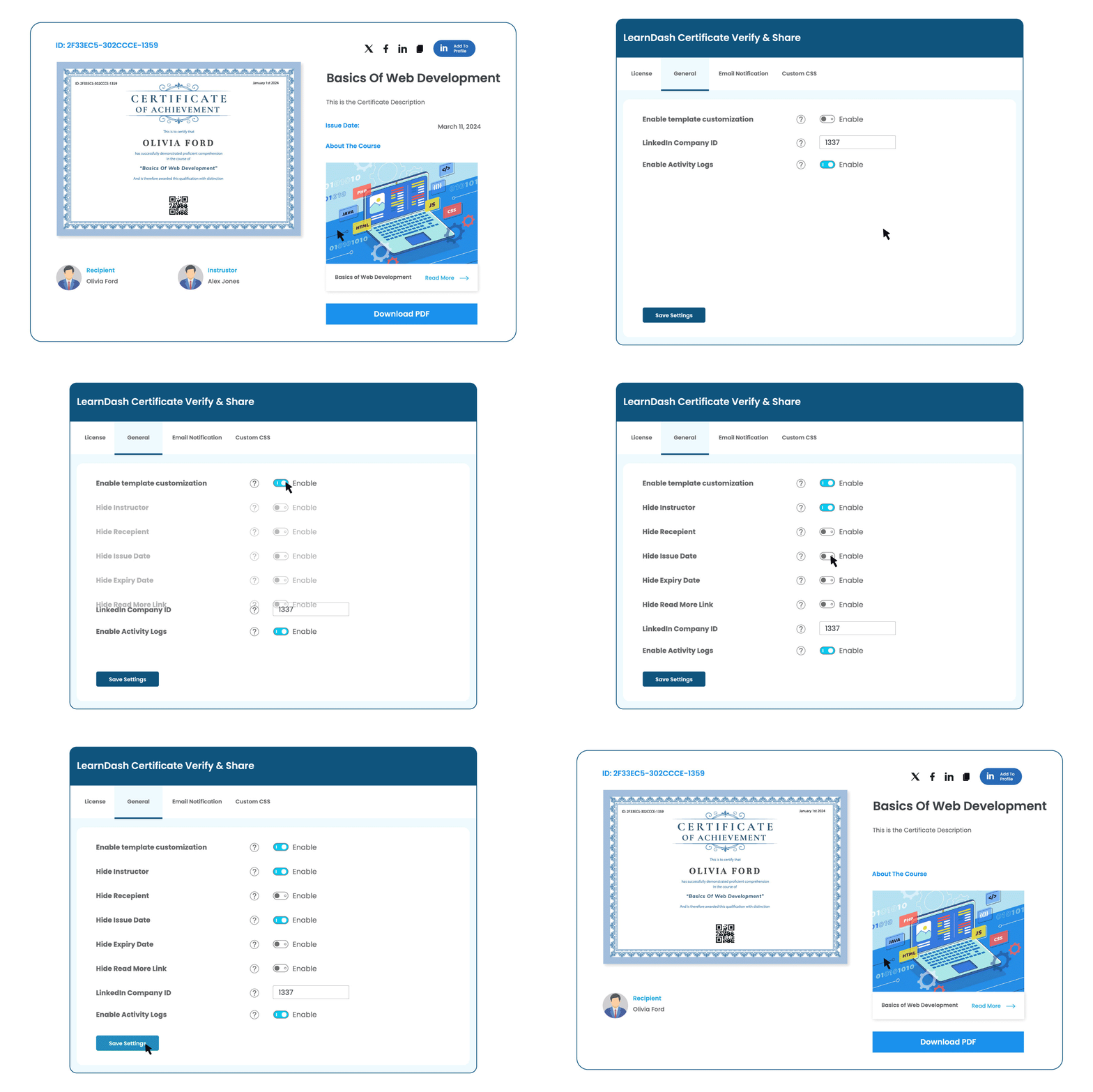
Administrators can control the visibility of the instructor, recipient, issue date, expiry date, and the Read More link on the certificate verification page using simple toggles.
We build custom LearnDash add-ons tailored to your exact needs — from certificate systems to quiz builders and beyond.