
A custom LifterLMS add-on that lets admins reset course, lesson, quiz, and membership progress for any user or group of users — with bulk CSV import support — built by AR Webcrafts.
A LifterLMS platform offering annual compliance training came to us with an urgent operational problem: every year, hundreds of enrolled students needed their course progress wiped clean so they could retake mandatory training from scratch. LifterLMS had no native progress reset feature at all — meaning admins had to either manually delete user data from the database (a risky, technical process) or create duplicate courses every year. Neither solution was scalable, and both were consuming significant time and creating data reliability risks.
LifterLMS has no native course progress reset feature — resetting student progress required direct database manipulation, which is risky and requires developer access
Annual recertification programs needed hundreds of students reset simultaneously at the start of each training cycle — completely unmanageable manually
Students who abandoned courses midway and wanted to restart had no way to do so without admin involvement
No way to reset progress for specific combinations of users, courses, and memberships — it was all or nothing with no targeting precision
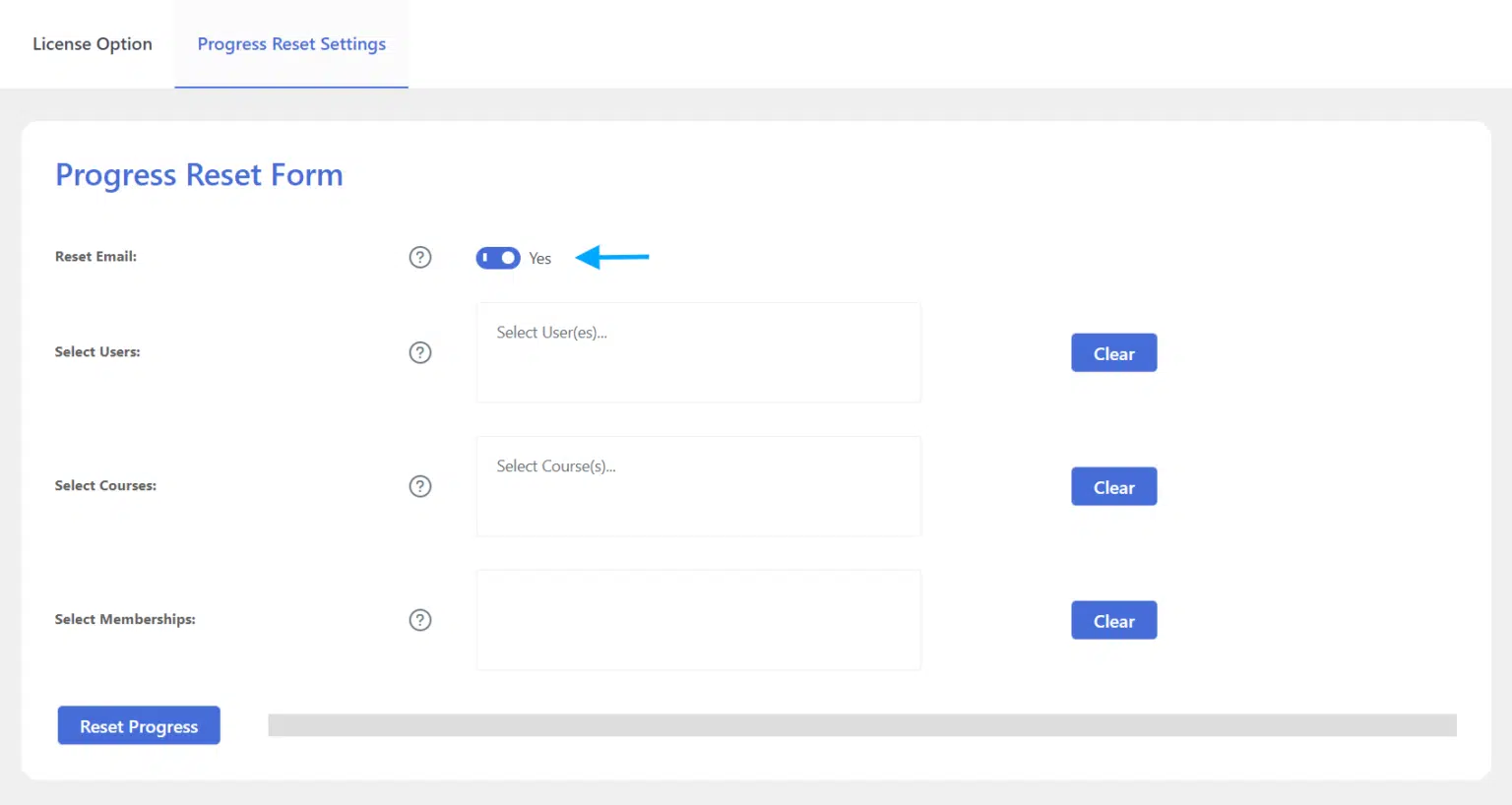
No email reset capability — automated engagement emails that had already fired were still in queue even after progress was cleared, creating confusing re-engagement messaging
No CSV-based bulk reset meant large-scale operations like resetting a specific list of 200 corporate employees required manual selection of each user
"Every January we had to reset over 400 employees across 8 mandatory compliance courses. It took our IT team three days of database work. Now our HR manager does it herself in about 10 minutes using the CSV upload — no IT involvement, no database risk. It's transformed how we run our annual training cycle."
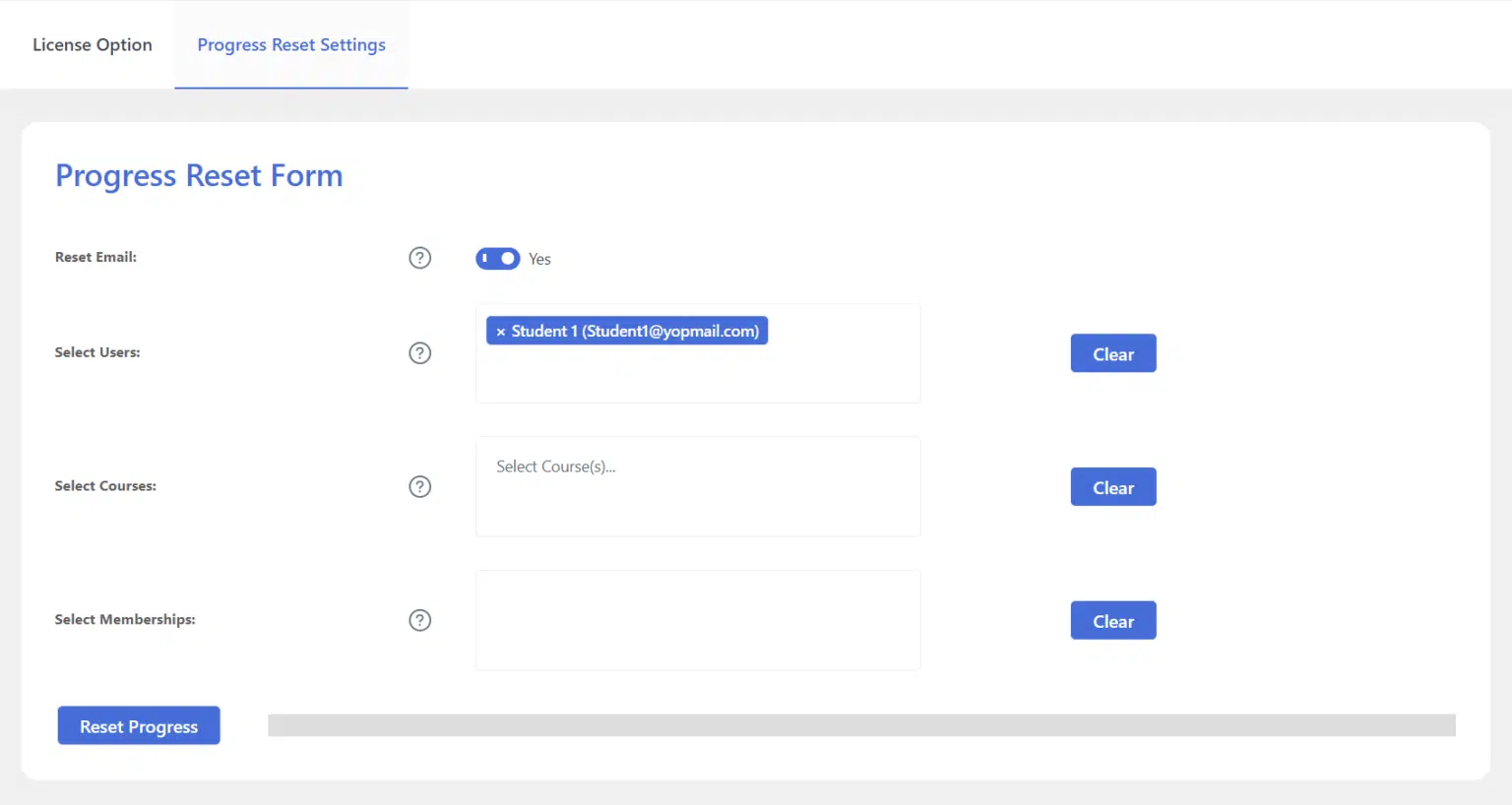
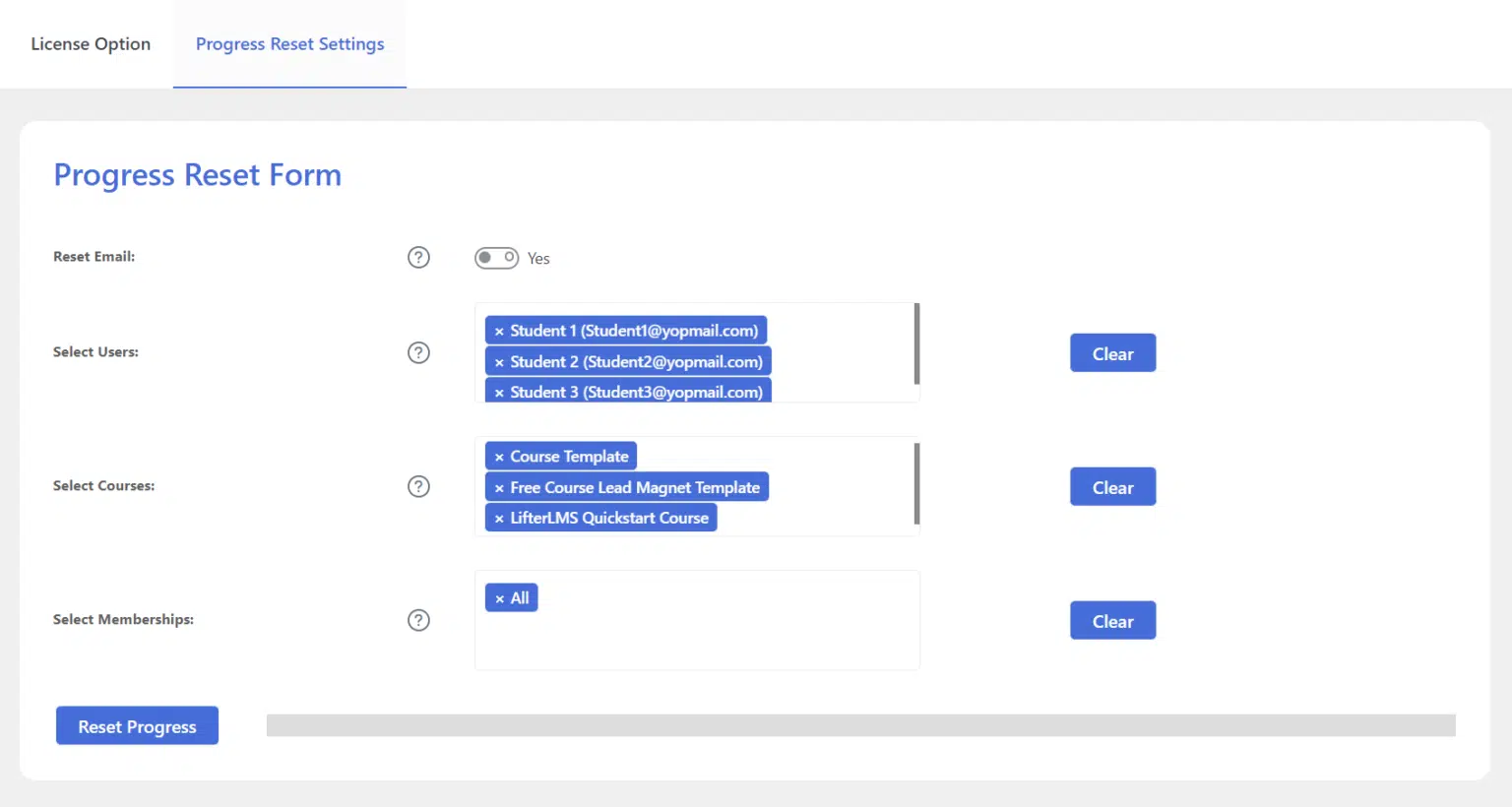
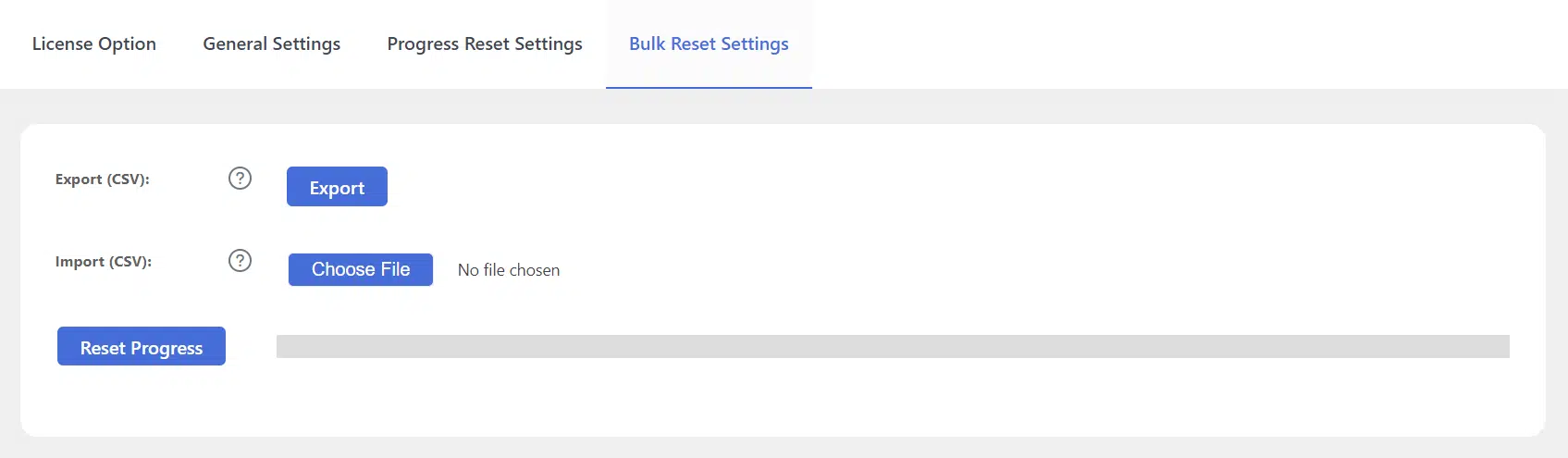
AR Webcrafts built a comprehensive progress reset system that adds a dedicated Progress Reset submenu directly under LifterLMS in the WordPress dashboard. From a single clean settings panel, admins select any combination of users, courses, and memberships to reset — with an “All” shortcut for selecting everything at once. The system resets all enrolled course progress, completed lessons, attempted quizzes, and membership course data — setting everything back to 0% for the selected targets. A critical Reset Engagement Emails option clears the entire queued email sequence for selected users — so students start receiving course emails from the very beginning again rather than receiving confusing mid-sequence messages. For large-scale corporate operations, the Bulk CSV Import/Export feature lets admins export their full user list, edit it in Excel to include only the specific students they need to reset, and upload it back — triggering a precise bulk reset for exactly the right people with one click. A safety confirmation popup appears before every reset to prevent accidental data deletion.
The platform’s annual recertification process went from a multi-day manual operation to a 10-minute task — export the employee list, trim it to the right cohort in Excel, upload the CSV, confirm the reset, done. Students who abandoned courses midway were reset and re-enrolled by admins the same day they requested it — zero developer involvement. The engagement email reset meant re-enrolled students received the full motivational email sequence from the beginning, significantly improving their re-engagement rates. The platform completely eliminated the risk of direct database manipulation — every reset now happens through a controlled, logged admin interface.
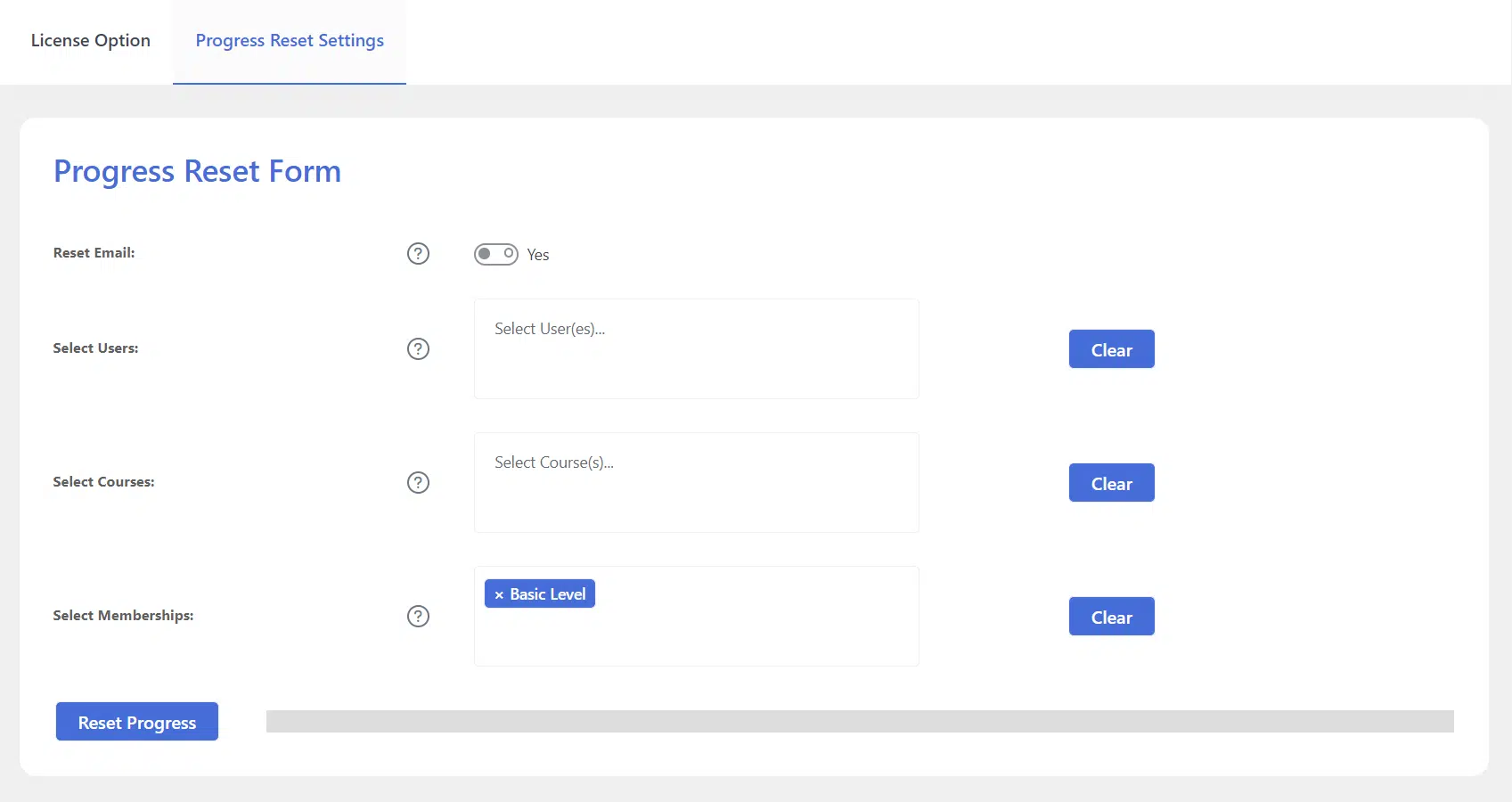
Reset the progress for any single user, deleting their data for all enrolled courses, completed lessons, attempted quizzes, and memberships. To save time, you can also delete progress for all or multiple users on a course at once.
We build custom administration and automation tools for LifterLMS that give your team full control over student data — without touching the database.
