
A custom LearnDash add-on that lets students save their quiz answers and resume exactly where they left off — even after logging out — built by AR Webcrafts.
A professional training platform came to us with one of the most common complaints they received from students: losing all their quiz answers when life interrupted — a phone call, a lost internet connection, an unexpected logout. Their quizzes were long and detailed, covering complex material, and students were expected to complete them in one sitting. The platform was losing student trust and seeing high quiz abandonment rates. They needed a save-and-resume system that worked reliably, even after a student completely left the site.
LearnDash quizzes must be completed in a single session — any interruption means starting from scratch
Long, detailed quizzes on complex professional topics were being abandoned because students couldn’t complete them in one sitting
Students losing progress due to internet drops, device shutdowns, or accidental logouts were frustrated and disengaged
The platform had no way to show students which quizzes they had saved but not yet submitted
Admins had no per-quiz control — they needed to enable save-and-resume only for specific long-form quizzes, not every quiz on the platform
"Our quizzes can take 45 minutes to an hour for serious students. Before this add-on, if anything interrupted them, they had to start over. That was killing engagement. Now students save their progress, come back the next day, and finish. Our completion rates jumped noticeably within the first month."
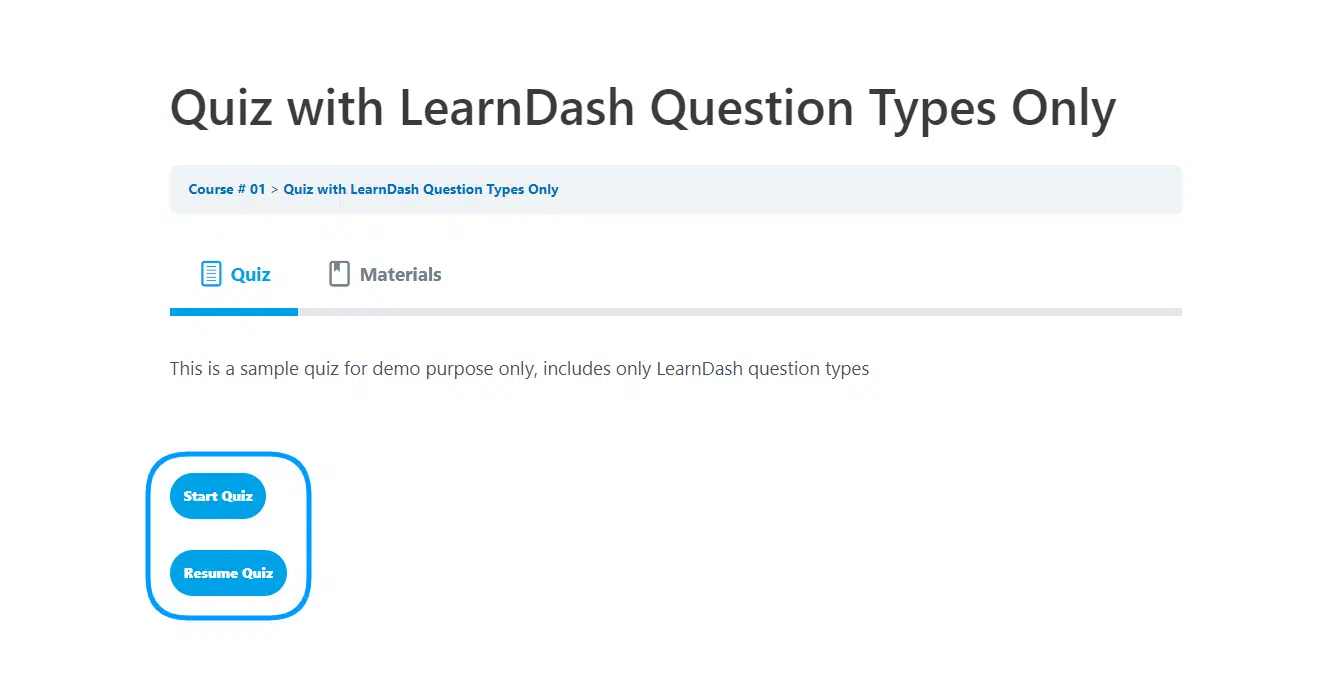
AR Webcrafts built a robust quiz save-and-resume system that integrates directly into LearnDash’s quiz settings. Admins can enable the Save & Resume toggle on any individual quiz — giving them precise control over which quizzes support the feature. When a student saves their progress, all answers are stored server-side — meaning they survive page refreshes, logouts, and device switches. When the student returns, they are taken directly to the last question they answered, with all previous answers intact. A Resume Quiz button appears automatically on the quiz page so students never have to search for where they left off. Two powerful shortcodes let admins display a Resume button and a progress status table anywhere on the site — giving students a clear dashboard view of all their in-progress quizzes.
Quiz abandonment rates dropped significantly after launch. Students who previously gave up on long quizzes because of interruptions could now save their progress and return on their own schedule. The platform’s student satisfaction scores improved and instructors reported higher quiz submission rates across all courses that had the feature enabled. The progress table shortcode became a popular addition to the student dashboard — giving students a clear to-do list of quizzes to finish.
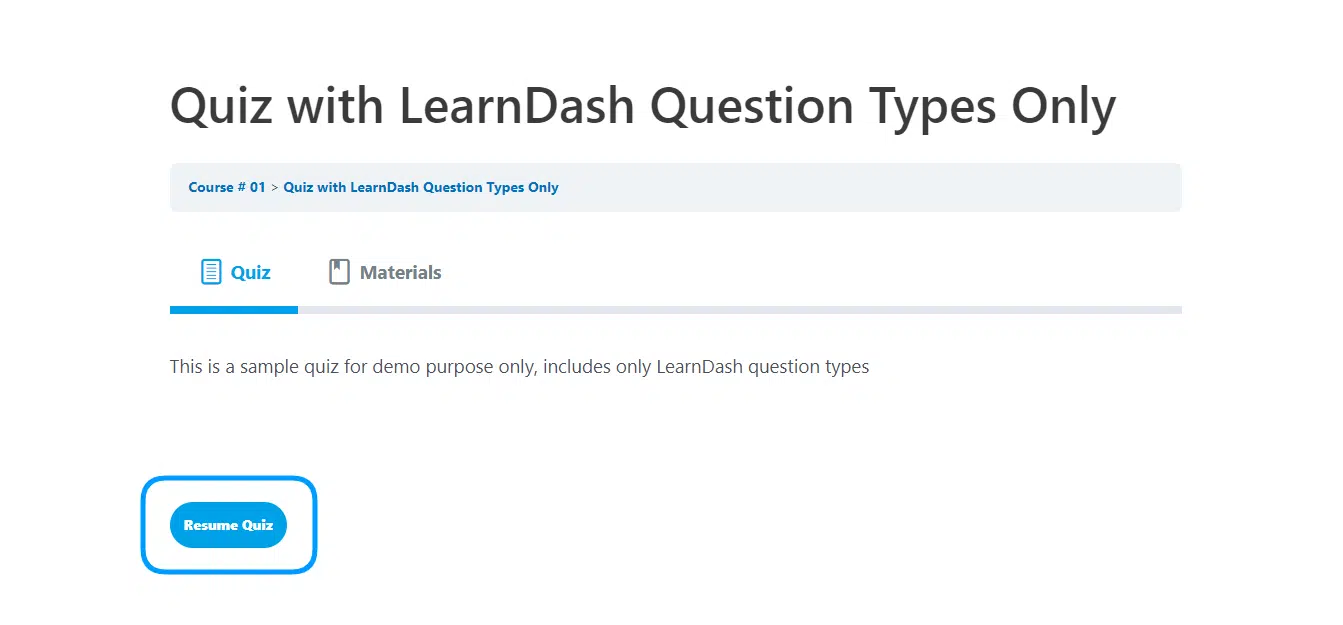
Students can save their quiz answers with the click of a button and resume the quiz at a later time without having to start it all over again.
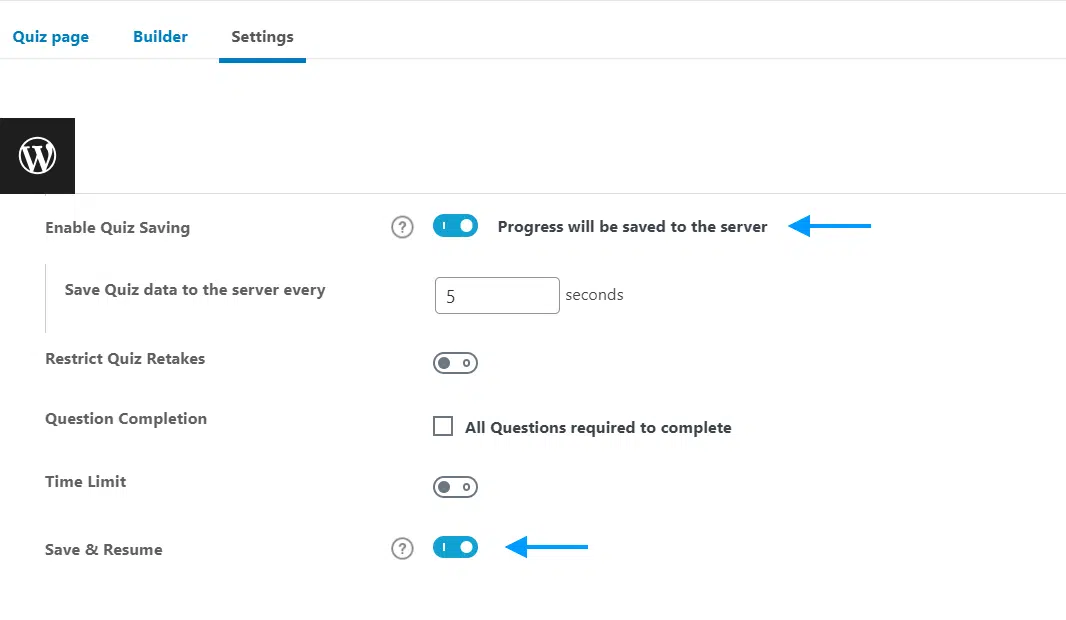
Select which specific quizzes students will be able to save and resume progress for by enabling and disabling the “Save and Resume” functionality on an individual basis.
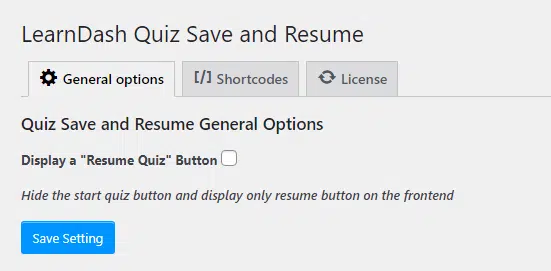
Make the process of completing long evaluations more manageable by allowing students to save their progress, take a break and resume their work later on.
Allow your students to complete their course in the most convenient way possible according to their schedules by giving them the freedom to pause, save their answers and resume quiz progress as they see fit.
We build custom quiz experience add-ons for LearnDash that reduce frustration, improve completion rates, and keep students engaged.
