How We Let Students Download Their Entire LearnDash Course as a Single PDF — With One Click

A custom LearnDash add-on that exports full course content, lessons, topics, and quizzes into a downloadable PDF — built by AR Webcrafts.

Submit on all Pages

Add-On Overview & Features

An online education platform reached out with a common but unsolved problem: their students wanted to study offline. Whether on a long flight, in a low-connectivity area, or simply preferring to print their materials, students kept asking for a way to download course content. LearnDash had no built-in export feature, and copying content manually into documents was not a scalable option. The platform needed a clean, one-click solution that worked for both students and admins.

THE CHALLENGE


LearnDash has no native PDF or offline export feature — all course content is locked inside the browser

Students in low-connectivity regions or those who prefer physical study materials had no way to access content offline

Admins had no easy way to create backup copies of course content — manual copying was time-consuming and error-prone

No straightforward way to let students access quiz content and materials outside the platform

The platform had no control over where or how download buttons appeared on course pages

CLIENT QUOTE

"A huge portion of our students are in areas with unreliable internet. This add-on changed everything for them — they download the course on WiFi and study it on the go. It was one of the most requested features we'd ever had, and AR Webcrafts delivered it perfectly."

The Solution & Results

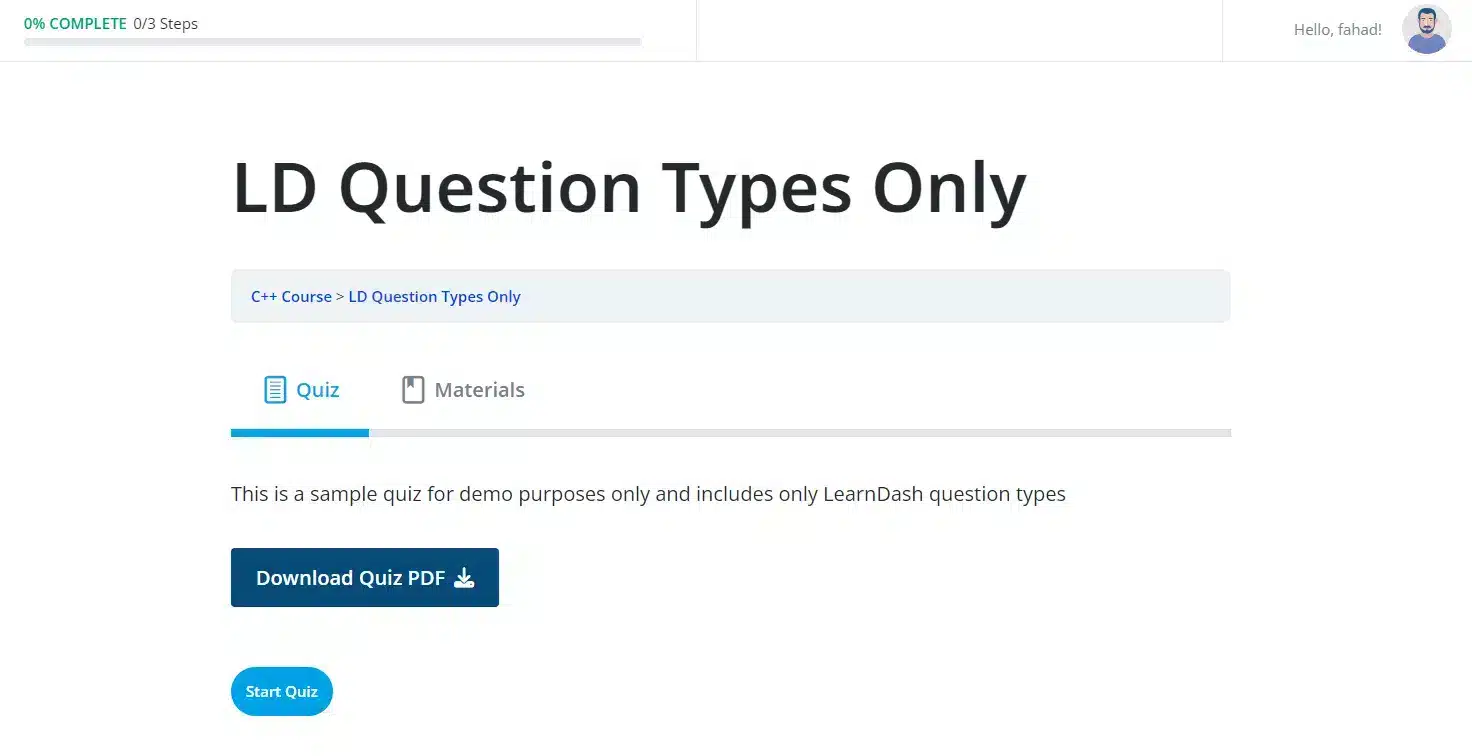
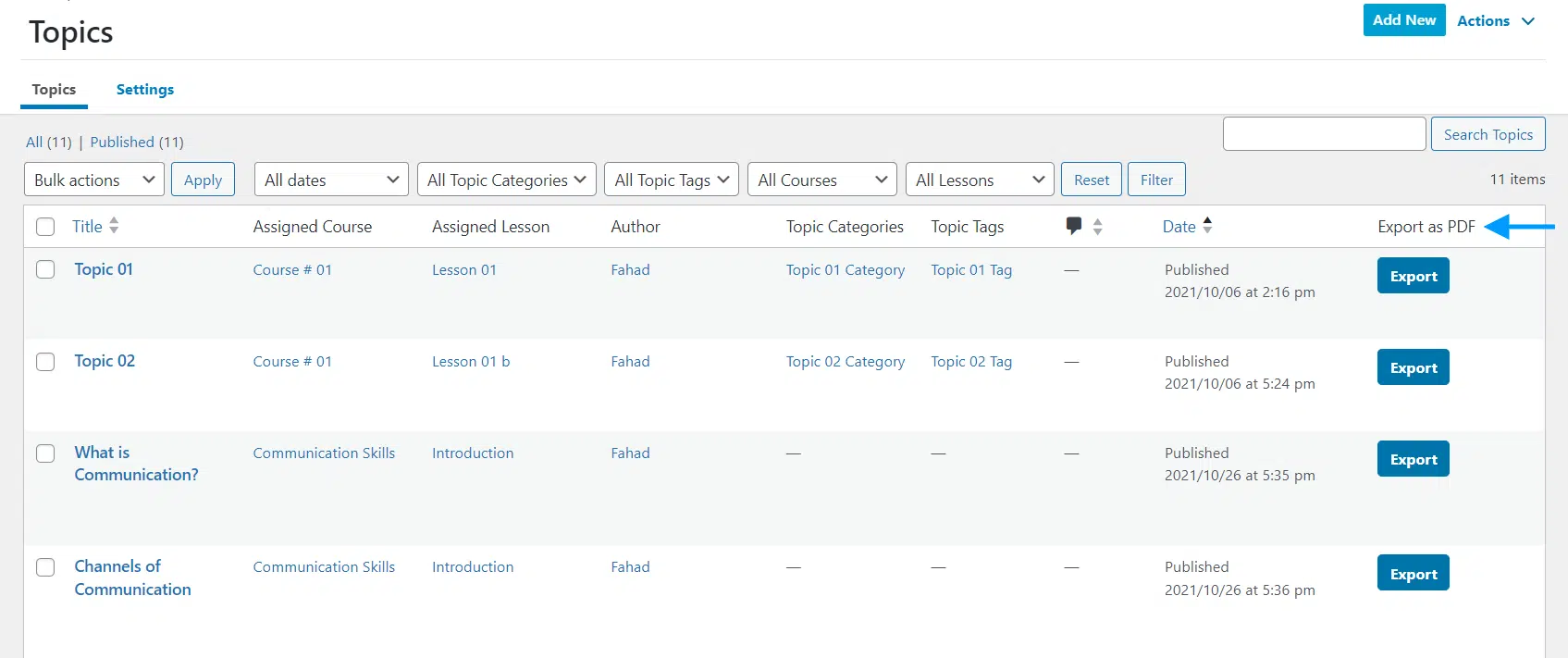
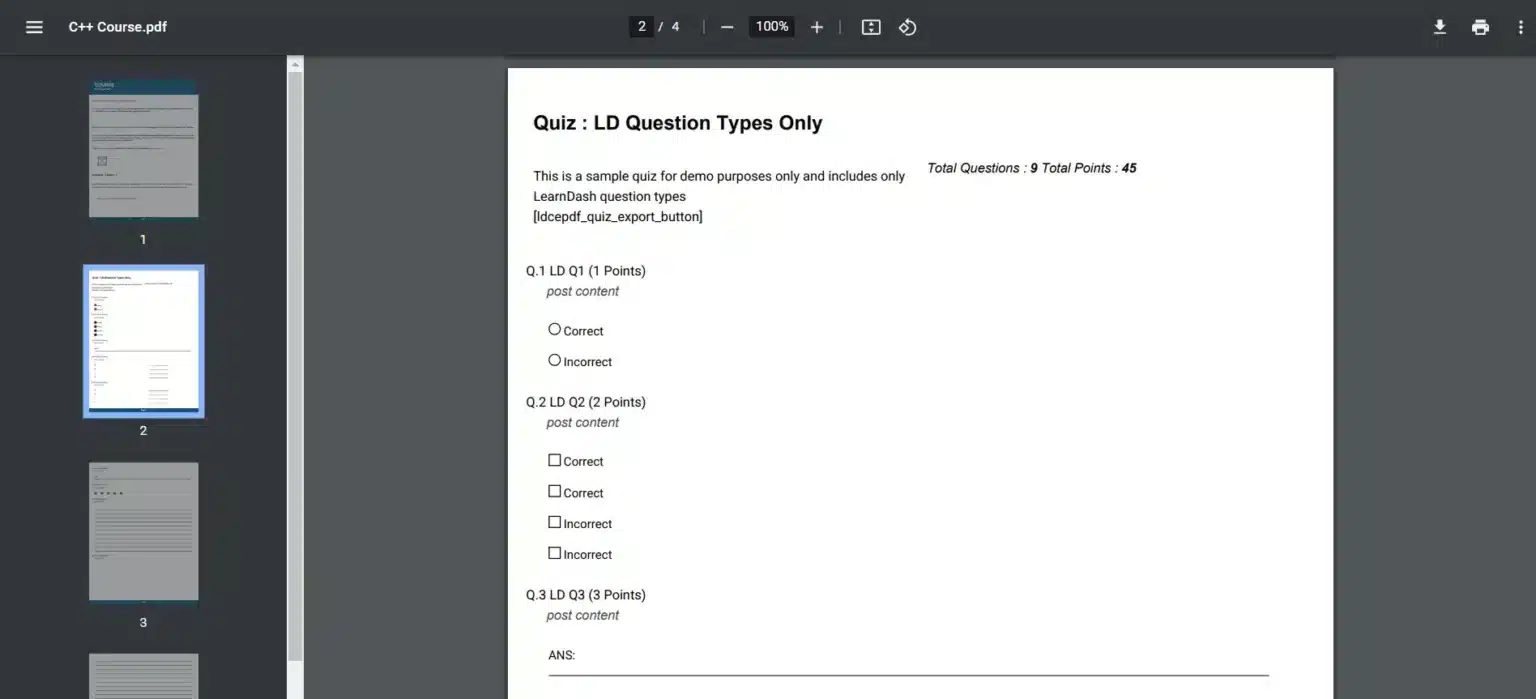
AR Webcrafts built a lightweight but powerful PDF export add-on that integrates directly into LearnDash. Using a simple shortcode, admins can place a Download PDF button anywhere on a course or quiz page — in the header, footer, sidebar, or within content blocks. Students click once, and the entire course — including all lessons, topics, and quiz content — is compiled into a single, clean PDF document and downloaded instantly. Admins can also generate PDF exports of any course or quiz directly from the WordPress backend, making content backups and internal reviews fast and effortless.

Students who previously couldn’t engage with the platform offline — due to travel, poor internet, or personal preference — now had full access to their course materials anywhere. Student satisfaction scores improved noticeably. Admins reduced time spent on content backup tasks significantly, and instructors appreciated having a clean PDF version of their courses for internal review and quality control.

Export Courses And Quizzes As PDFs

Your students can export entire courses, including lessons and topics, as well as their quizzes and PDF documents to aid in their studies.


Add Download Buttons Directly On Course Pages​

Using a shortcode, you can insert download buttons on course or quiz pages, enabling your students to easily access course PDFs with a single click.

Export Courses As PDFs From The Backend

Administrators can also download a PDF version of their courses and quizzes for backup, directly from the backend.

Want to Give Your LearnDash Students an Offline Learning Experience?

We build custom LearnDash export and accessibility tools that make your platform work for every student — everywhere.

Request For Quote